


Metal processing enterprises often handle standard parts, semi-standard parts, and custom parts made to drawing simultaneously. If the website only classifies by product name in a jumbled manner, buyers find it hard to confirm material, dimensions, surface finish, minimum order quantity, and whether sampling is supported. This article starts from three purchasing paths to plan product data, catalog navigation, sample and bulk inquiry, avoiding turning a catalog site into a mere picture album.
First differentiate standard parts, configurable parts, and drawing-based parts
Standard parts are suitable for searching by category, specification, and SKU; configurable parts require selecting material, dimensions, color, or surface treatment; drawing-based parts should be accessed from processing capabilities and RFQ. The three types can share product data, but action buttons must differ: standard parts inquire stock, configurable parts request samples, drawing-based parts submit drawings.
Categories are responsible for stable product families, while attributes are responsible for filtering and comparison. For basic modeling methods, seeWooCommerce Product Category and Attribute Management。
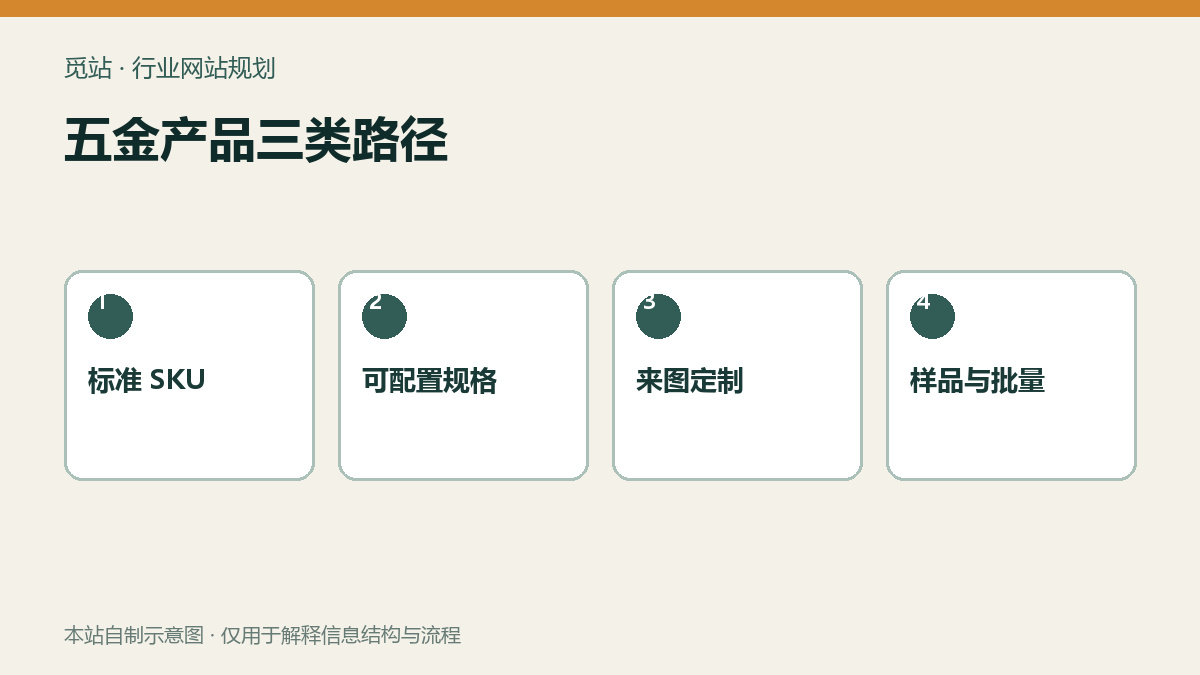
Three paths for metal products. Source: self-made diagram by this site, used to illustrate the information structure and workflow of industry websites; no external image authorization is required.
Materials and surface treatments must become maintainable data
Materials such as stainless steel, carbon steel, aluminum, and copper require grade designations or acceptable alternatives; surface treatments like galvanizing, nickel plating, anodizing, and powder coating need to record color, thickness, or standard. First build a field dictionary, unify units, allowed values, empty values, and applicable product families, preventing operators from entering multiple synonymous values.
Fields that affect filtering and inquiry can be made global attributes, while purely descriptive information stays on the detail page. For attribute settings and display methods, checkProduct Attribute Configuration Tutorial。
Complete the catalog and sample process in four steps
- Select 20 high-frequency products and organize fields for category, specification, material, surface, MOQ, and packaging.
- Validate filtering, search, and mobile display with three significantly different products.
- The standard sample form automatically fills in SKU, selected specifications, quantity, and destination.
- Bulk inquiry adds annual usage, delivery time, quality documents, and custom attachments, and generates a tracking number.
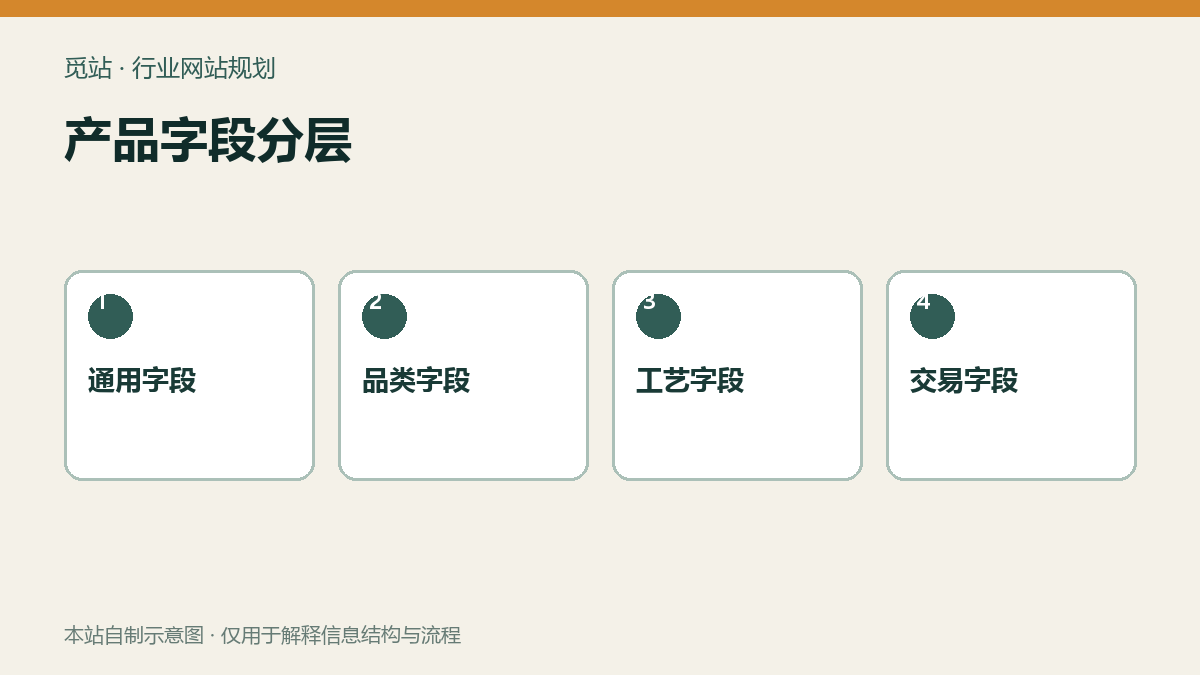
Product field layering. Source: self-made diagram by this site, used to illustrate the information structure and workflow of industry websites; no external image authorization is required.
Large catalog imports must first undergo small-batch verification
Use unique SKU to match records, back up before import and run a small batch in a test environment; check field mapping, category hierarchy, images, and attachments before processing in batches. WooCommerce's official CSV tool supports importing products, categories, attributes, and images. For specific rules, refer toProduct CSV Import Tutorial,自定义字段则要明确映射逻辑。
目录上线检查清单
- 三类产品是否使用不同的主行动按钮
- 材料牌号、尺寸单位和表面处理名称是否统一
- 筛选条件能否清空,零结果时是否给出替代入口
- 样品申请是否记录 SKU、规格、数量和目的地
- 批量询价是否能附加图纸且有访问控制
- CSV 更新是否按 SKU 匹配并先备份、小批验证
Frequently asked questions
五金加工网站一定要用 WooCommerce 吗?
不一定。需要公开价格、库存和结账时适合 WooCommerce;以样品和定制询价为主时,目录加 RFQ 更直接。
每种表面处理都要建一个产品吗?
通常不用。能共享主体内容的处理方式应作为属性或选项,只有独立 SKU、价格、库存或内容时才拆分。
产品很多能否一次性全导入?
建议先用少量样本验证字段、筛选和询价,再分批导入并检查错误报告。
Join the discussion
You must log in to post a comment.
After logging in, you can join the discussion. New users can register an account for free.
Do not post spam comments, advertisements, or content with malicious links. Comments must comply with relevant laws, regulations, and community guidelines.