


After the instrumentation website goes live, the most dangerous issues are often not poor page appearance, but errors in range, accuracy, output, environmental conditions, or calibration document versions; caching, updates, and multilingual duplication can amplify these discrepancies. This article focuses on product data and document consistency, providing checklists for pre-launch verification, speed testing, security updates, and ongoing maintenance.
First, conduct a consistency audit of parameters and documents.
Select models representing different product families and check range, accuracy, resolution, output, power supply, process connection, environmental conditions, and certifications item by item against the product master data. Web pages, selection tables, manuals, and calibration documents must point to the same valid version; the language, version, date, and file size should be displayed alongside the documents.
Core parameters on web pages should use copyable HTML text, not replaced by images or PDFs. The organization of product detail pages can refer toB2B Product Detail Page Conversion Guide。
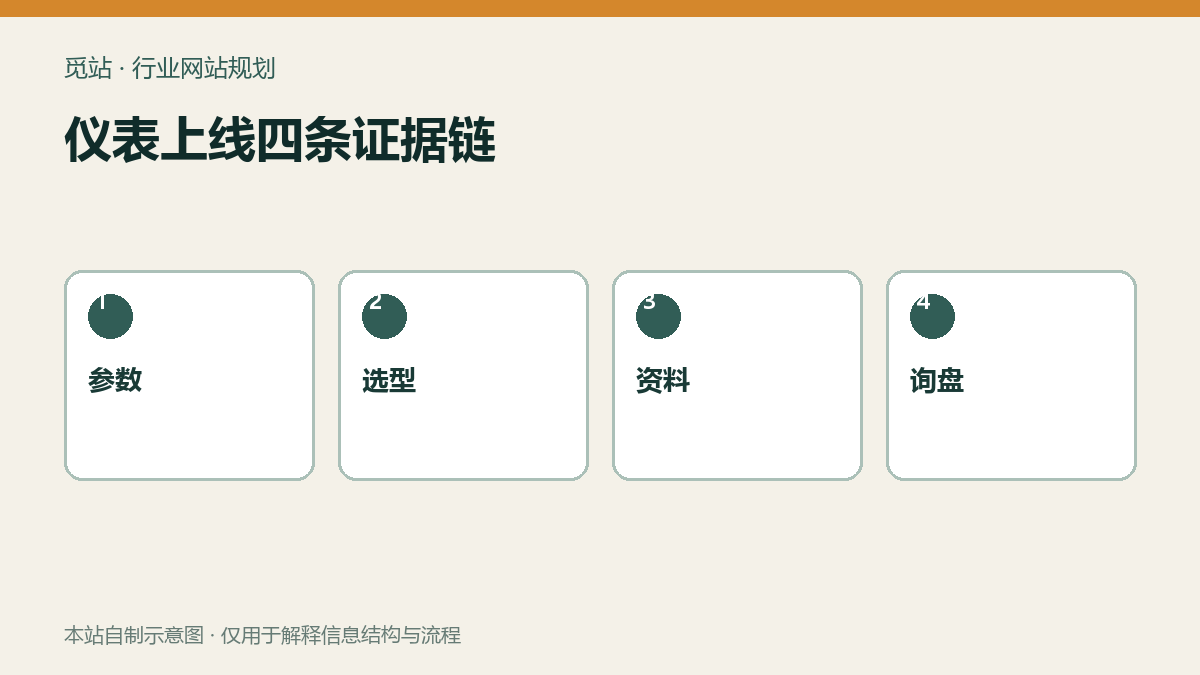
Four evidence chains for instrument launch. Source: self-made diagram from this site, used to illustrate the information structure and process of industry websites; no external image authorization required.
Complete end-to-end regression with real product selections and inquiries.
Access the product from category, search, and application pages respectively, select range, output, connection, and accessories, and then submit an inquiry. Verify that the model and options in the page display, back-end records, customer receipt, and sales notification are completely consistent; combinations that are discontinued or require engineering confirmation should be clearly indicated.
Multilingual pages must be spot-checked language by language for terminology, units, document associations, and form receipts, not just verified against the Chinese template. URL and language planning can be combined withWordPress Multilingual Website Setup Tutorial。
Four steps to establish a performance baseline
- Select the heaviest product page that includes parameter tables, charts, images, PDFs, and filters.
- Test mobile and desktop first screen, interactivity, and layout stability separately.
- Compress and output images at actual size, lazy-load non-first-screen media.
- After enabling caching, re-regress filtering, language switching, login, and forms to avoid incorrectly caching dynamic states.
Cache hierarchy and troubleshooting can refer toWordPress Caching and CDN Guide。
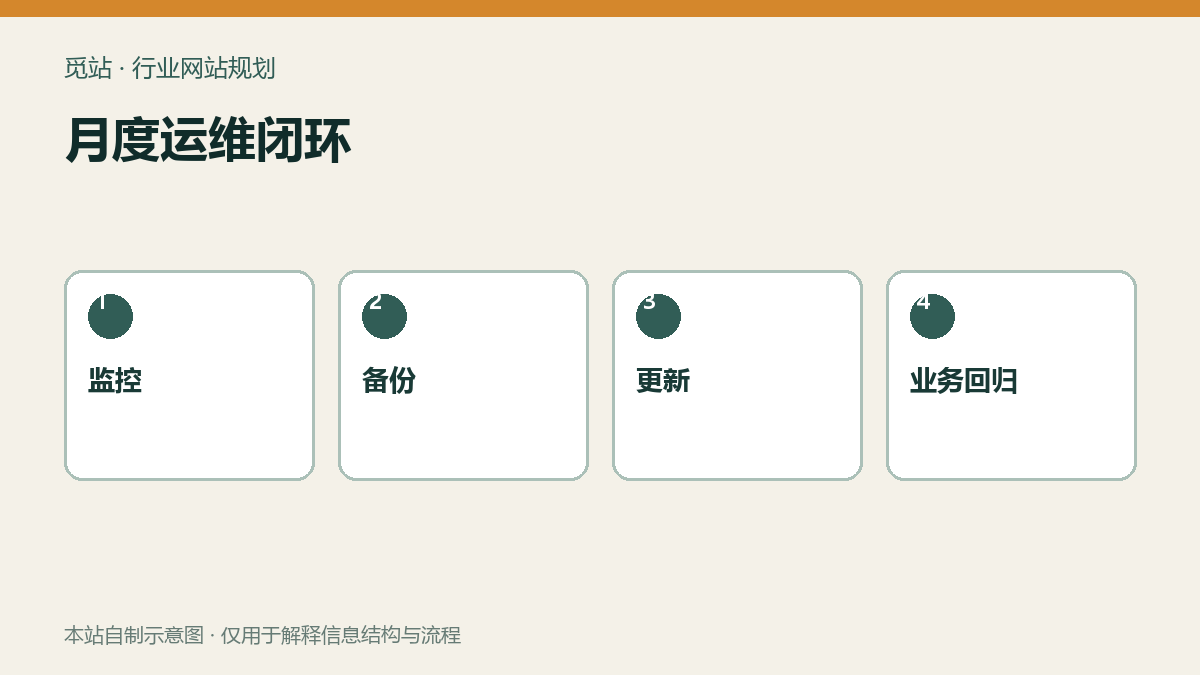
Monthly operations closed loop. Source: self-made diagram from this site, used to illustrate the information structure and process of industry websites; no external image authorization required.
Updates, security, and backups must be integrated into a single process.
核心、主题与插件更新前先建立可恢复备份,在预发布环境小批执行,每批回归产品筛选、资料下载、询盘和语言切换。管理员使用强密码和双因素认证,删除闲置账号与插件,定期查看站点健康、错误日志和异常登录。
备份不能以“任务显示成功”为验收,至少定期在隔离环境恢复数据库、上传文件和配置;详细步骤可查看WordPress 备份恢复教程。
上线与月度运维清单
- 网页参数是否与当前说明书、选型表和校准资料一致
- 每份资料是否标注语言、版本、日期和文件大小
- 真实选型是否完整进入后台、回执和销售通知
- 最重产品页是否完成移动端性能与布局稳定性检查
- 缓存是否不影响筛选、语言、登录和表单令牌
- 更新是否先备份、小批执行并完成业务回归
- 异地备份是否做过隔离恢复且记录耗时
Frequently asked questions
仪器仪表参数可以只放 PDF 吗?
不建议。网页应展示采购判断所需的核心参数,PDF 保留完整技术资料和版本信息。
上线检查只测首页够吗?
不够。应优先测试包含筛选、参数表、资料和询盘的最重产品页及完整业务链路。
备份插件显示成功就算可恢复吗?
不算。只有在隔离环境完成数据库、文件和配置恢复,才能证明备份可用。
Join the discussion
You must log in to post a comment.
After logging in, you can join the discussion. New users can register an account for free.
Do not post spam comments, advertisements, or content with malicious links. Comments must comply with relevant laws, regulations, and community guidelines.