


Install Docker Desktop
1. Onofficial websitedownload the Windows version of Docker Desktop
2. Enable WSL2, Microsoft's WSL2-relatedofficial documentation
- Press the Win key, search for PowerShell
- Byadministratorpermissions to launch it
- Run
wsl --install
3. Execute the installer downloaded in the first step to install
Docker Desktop Chinese localization
1. After installation, check the Docker version in the bottom right corner
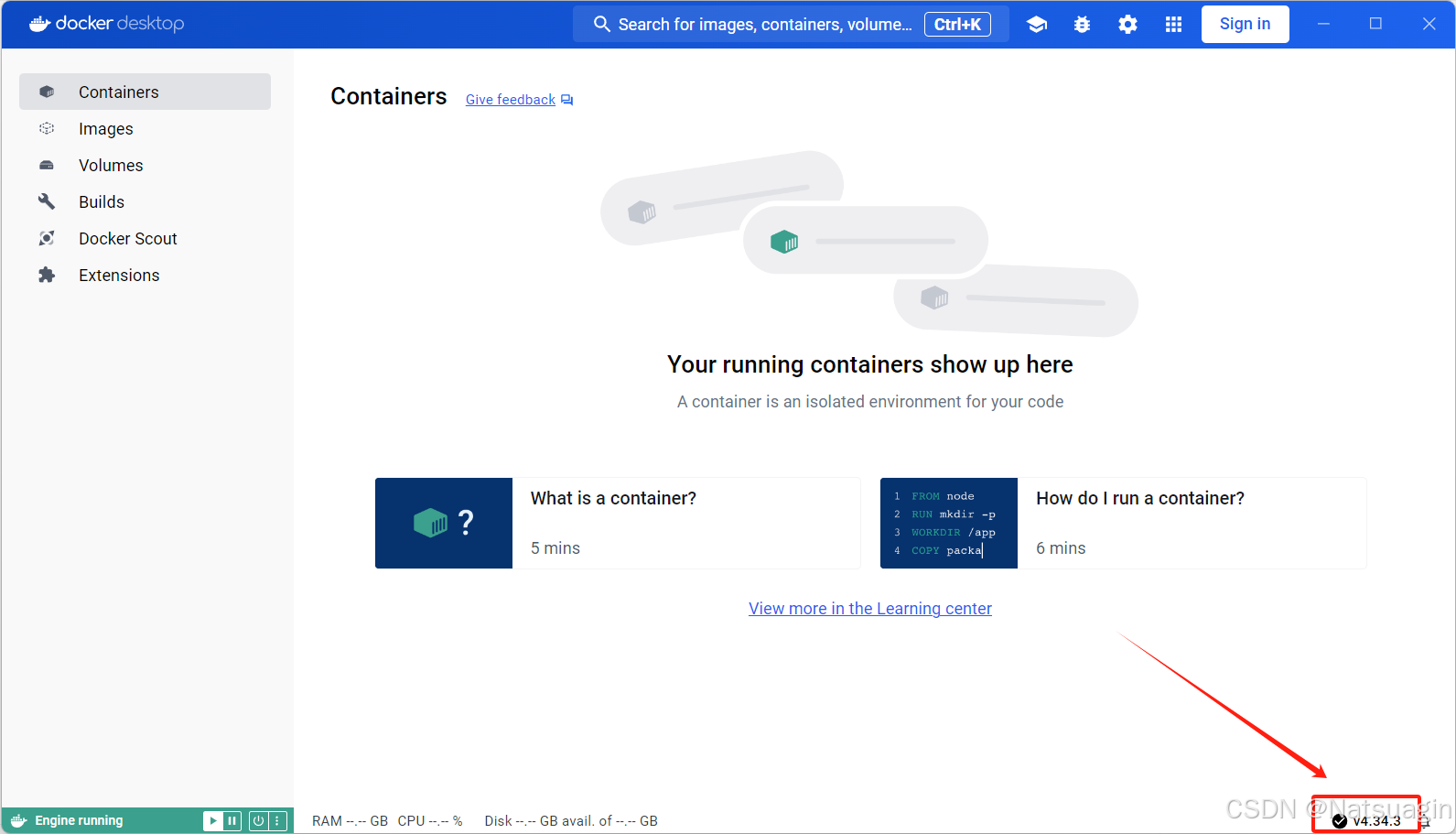
2. Go tothe Chinese localization package open-source repositorydownload the asar file of the corresponding version
3. Go toC:Program FilesDockerDockerfrontendresourcesUnder the path, back up the app.asar file
4. Replace the app.asar with the asar file downloaded from the open-source repository.
Note: The file name should be manually changed to app.asar
5. Restart the DockerDesktop application.
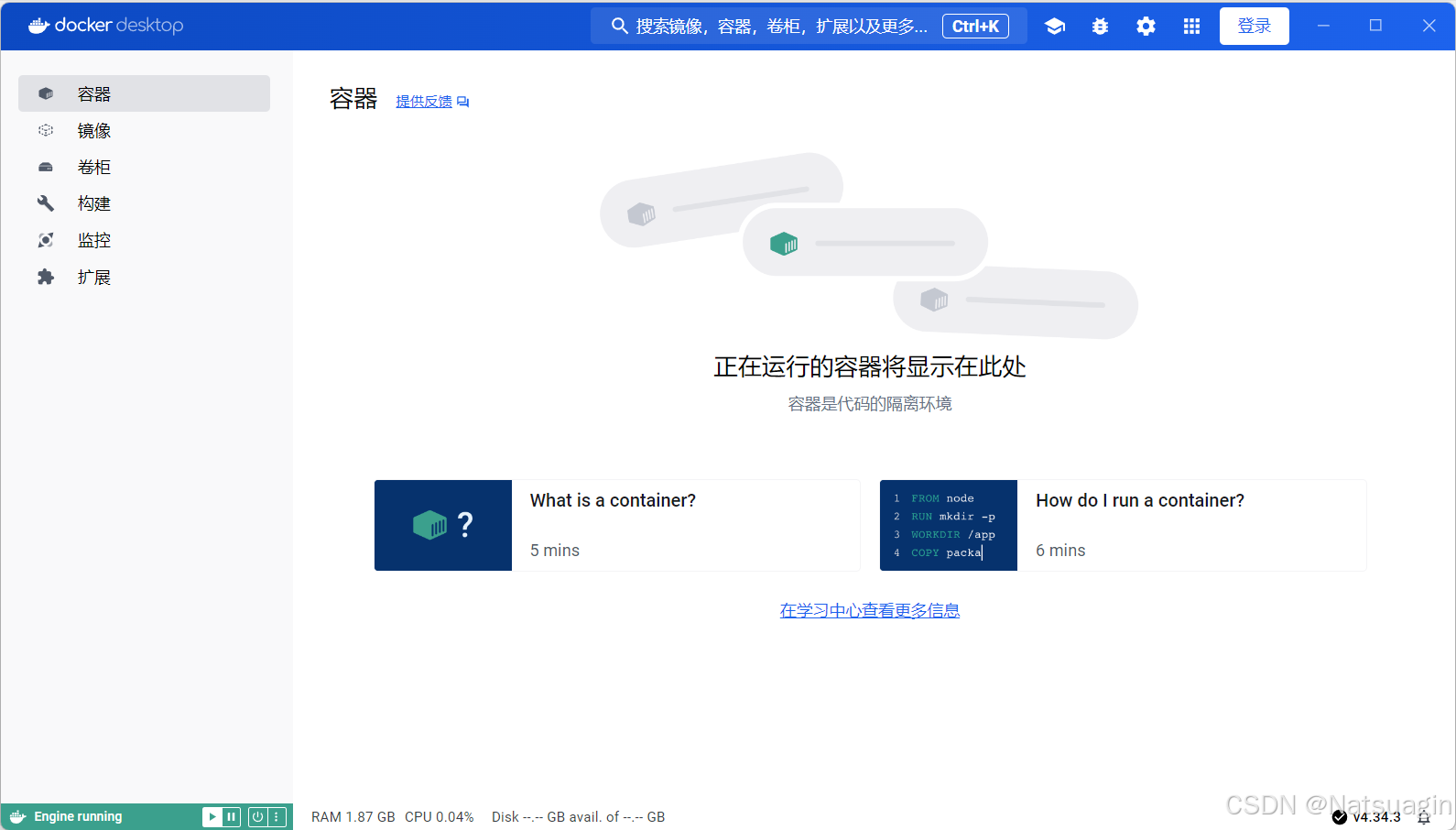
Docker official website download address
Docker installation references
Docker Chinese localization package Git open-source repository
Join the discussion
You must log in to post a comment.
After logging in, you can join the discussion. New users can register an account for free.
Do not post spam comments, advertisements, or content with malicious links. Comments must comply with relevant laws, regulations, and community guidelines.