


Metal processing enterprises often handle standard parts, semi-standard parts, and custom parts made to drawing simultaneously. If the website only classifies by product name in a jumbled manner, buyers find it hard to confirm material, dimensions, surface finish, minimum order quantity, and whether sampling is supported. This article starts from three purchasing paths to plan product data, catalog navigation, sample and bulk inquiry, avoiding turning a catalog site into a mere picture album.
First differentiate standard parts, configurable parts, and drawing-based parts
Standard parts are suitable for searching by category, specification, and SKU; configurable parts require selecting material, dimensions, color, or surface treatment; drawing-based parts should be accessed from processing capabilities and RFQ. The three types can share product data, but action buttons must differ: standard parts inquire stock, configurable parts request samples, drawing-based parts submit drawings.
Categories are responsible for stable product families, while attributes are responsible for filtering and comparison. For basic modeling methods, seeWooCommerce Product Category and Attribute Management。
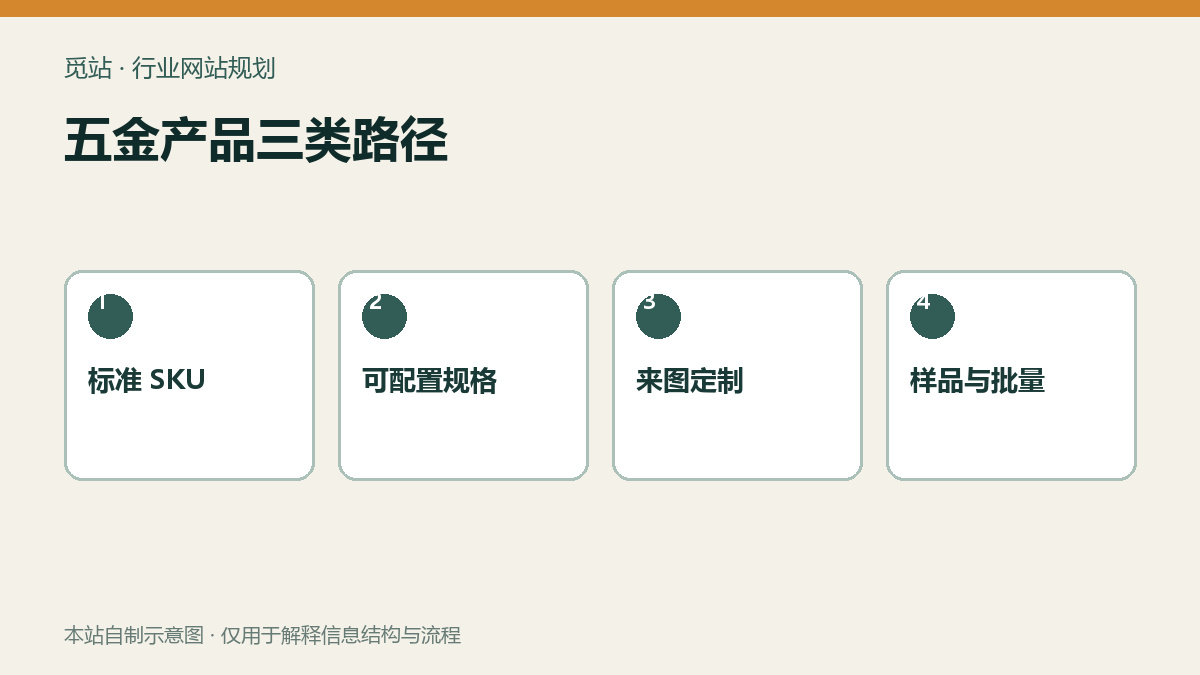
Three paths for metal products. Source: self-made diagram by this site, used to illustrate the information structure and workflow of industry websites; no external image authorization is required.
Materials and surface treatments must become maintainable data
Materials such as stainless steel, carbon steel, aluminum, and copper require grade designations or acceptable alternatives; surface treatments like galvanizing, nickel plating, anodizing, and powder coating need to record color, thickness, or standard. First build a field dictionary, unify units, allowed values, empty values, and applicable product families, preventing operators from entering multiple synonymous values.
Fields that affect filtering and inquiry can be made global attributes, while purely descriptive information stays on the detail page. For attribute settings and display methods, checkProduct Attribute Configuration Tutorial。
Complete the catalog and sample process in four steps
- Select 20 high-frequency products and organize fields for category, specification, material, surface, MOQ, and packaging.
- Validate filtering, search, and mobile display with three significantly different products.
- The standard sample form automatically fills in SKU, selected specifications, quantity, and destination.
- Bulk inquiry adds annual usage, delivery time, quality documents, and custom attachments, and generates a tracking number.
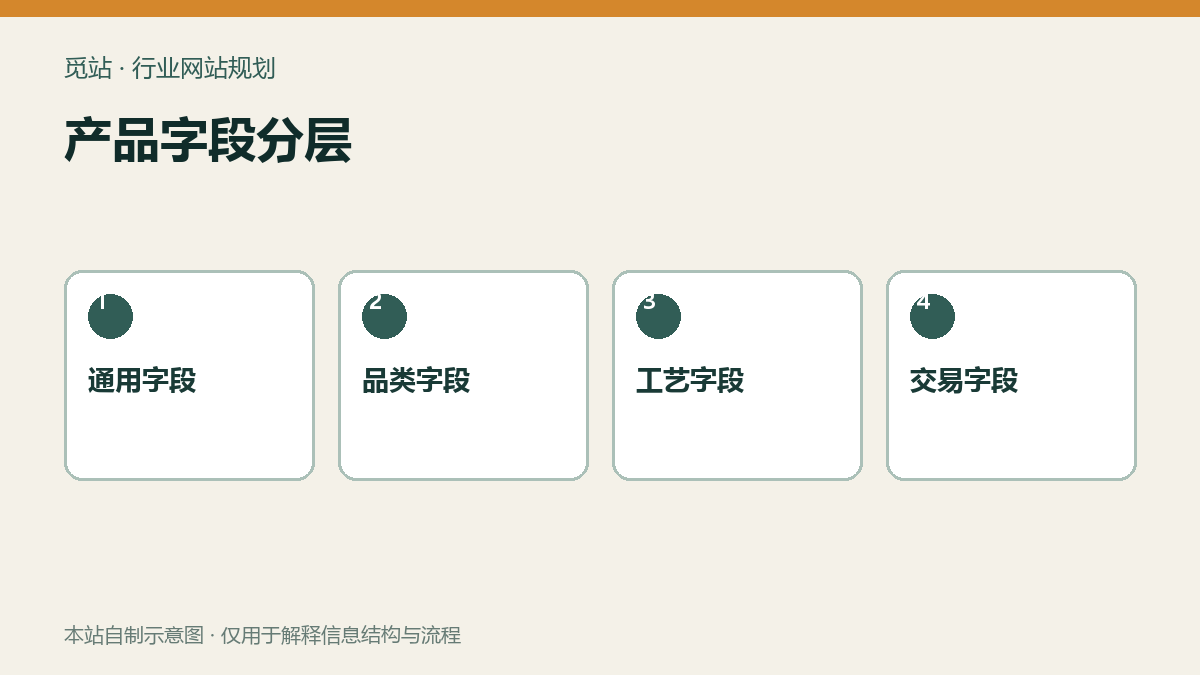
Product field layering. Source: self-made diagram by this site, used to illustrate the information structure and workflow of industry websites; no external image authorization is required.
Large catalog imports must first undergo small-batch verification
Use unique SKU to match records, back up before import and run a small batch in a test environment; check field mapping, category hierarchy, images, and attachments before processing in batches. WooCommerce's official CSV tool supports importing products, categories, attributes, and images. For specific rules, refer toProduct CSV Import Tutorial, and custom fields require clear mapping logic.
Catalog launch checklist
- Do the three product categories use different primary action buttons?
- Are material grades, dimensional units, and surface treatment names consistent?
- Can the filter conditions be cleared, and if there are zero results, is an alternative entry provided?
- Does the sample request record SKU, specification, quantity, and destination?
- Can bulk inquiry attach drawings and have access control?
- Is the CSV update matched by SKU with backup and small-batch validation first?
Frequently asked questions
Is WooCommerce necessary for a metal fabrication website?
Not necessarily. When prices, inventory, and checkout need to be public, WooCommerce is suitable; when the focus is on samples and custom inquiries, a catalog plus RFQ is more direct.
Do I have to create a product for each surface treatment?
Usually not. Handling that shares main content should be treated as attributes or options; only split when there are independent SKU, price, inventory, or content.
If there are many products, can they all be imported at once?
It is recommended to first validate fields, filtering, and inquiries with a small sample, then import in batches and check error reports.
Join the discussion
You must log in to post a comment.
After logging in, you can join the discussion. New users can register an account for free.
Do not post spam comments, advertisements, or content with malicious links. Comments must comply with relevant laws, regulations, and community guidelines.