


Machining procurement will not issue a valid inquiry based solely on equipment photos. They first need to confirm process, material, dimensions, tolerances, inspection, and batch capability before deciding whether to submit drawings. This article organizes these decision points into an executable website structure, page templates, and RFQ workflow, helping companies build a clear path from capability verification to project inquiry using WordPress.
Navigation organized by procurement decision-making, not by copying workshop departments.
Primary navigation can be divided into machining capabilities, materials, industry applications, part cases, and quality assurance; process pages then explain the applicable scope of turning, milling, grinding, wire EDM, sheet metal, or assembly. Each page should clearly state maximum size, common materials, typical tolerances, batch range, and limitations, rather than cramming all content into a single equipment list.
The same case can link to processes, materials, and industries, but only one canonical page should be kept. Website information architecture can be combined withB2B website product, resource, and inquiry path planning, first validate menu names against procurement tasks.
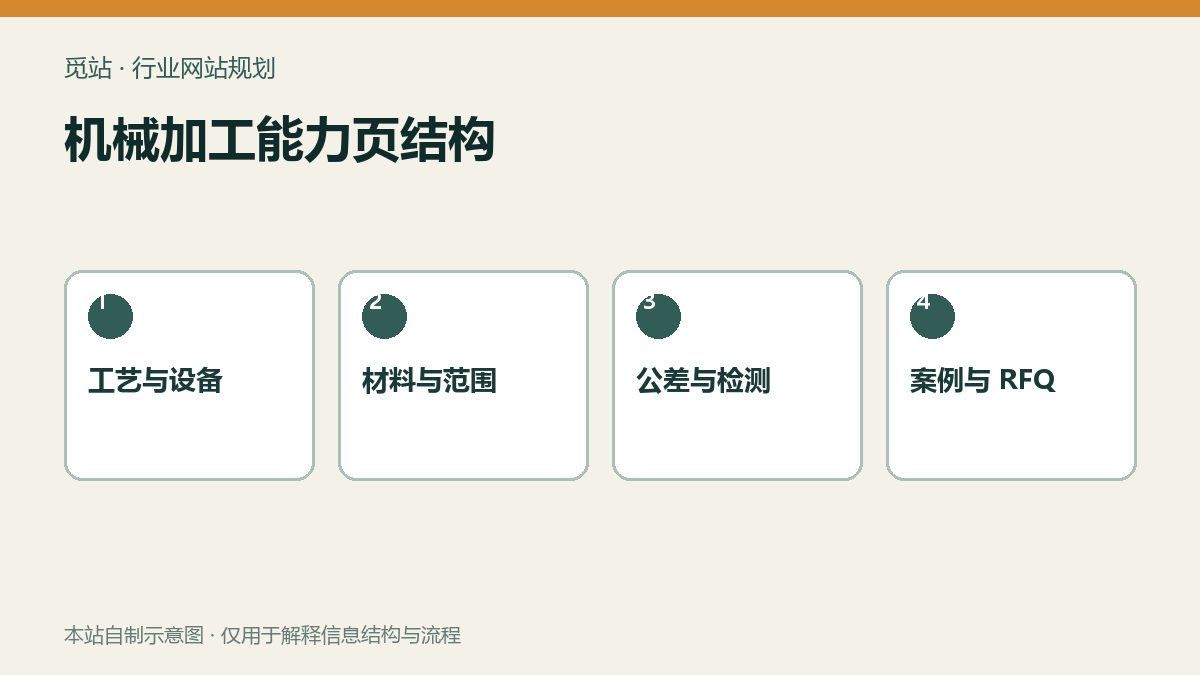
Machining capability page structure. Source: original illustration by this site, used to explain information structure and workflow of industry websites; no external image copyright required.
Connect capabilities and quotations with quality evidence.
Capability pages explain what can be done, quality pages explain how it's consistently achieved. It's recommended to show incoming inspection, first article inspection, in-process sampling, final inspection, gauge calibration, and non-conforming product handling, with authorized report samples. Certificates should indicate the name, scope of certification, and validity period; don't just place a vague logo.
Cases are organized by part difficulty, process route, key control points, inspection methods, and results, with customer names, drawing numbers, and unauthorized data removed. The information hierarchy for products and cases can refer toB2B Product Detail Page Conversion Guide。
Five steps to build a drawing-based RFQ
- First, select process, material, quantity, target delivery date, and quality requirements.
- Dynamically display tolerance, surface treatment, inspection, and packaging fields based on project type.
- Upload area lists allowed formats, file size, usage, and retention period.
- Server-side validates file types and uses unguessable, controlled storage.
- After submission, generate a reference number; email only contains a backend access link, never directly distribute sensitive drawings.
Don't ask for all company information at once in the fields; you can refer toB2B inquiry form field checklistCollect information in layers.
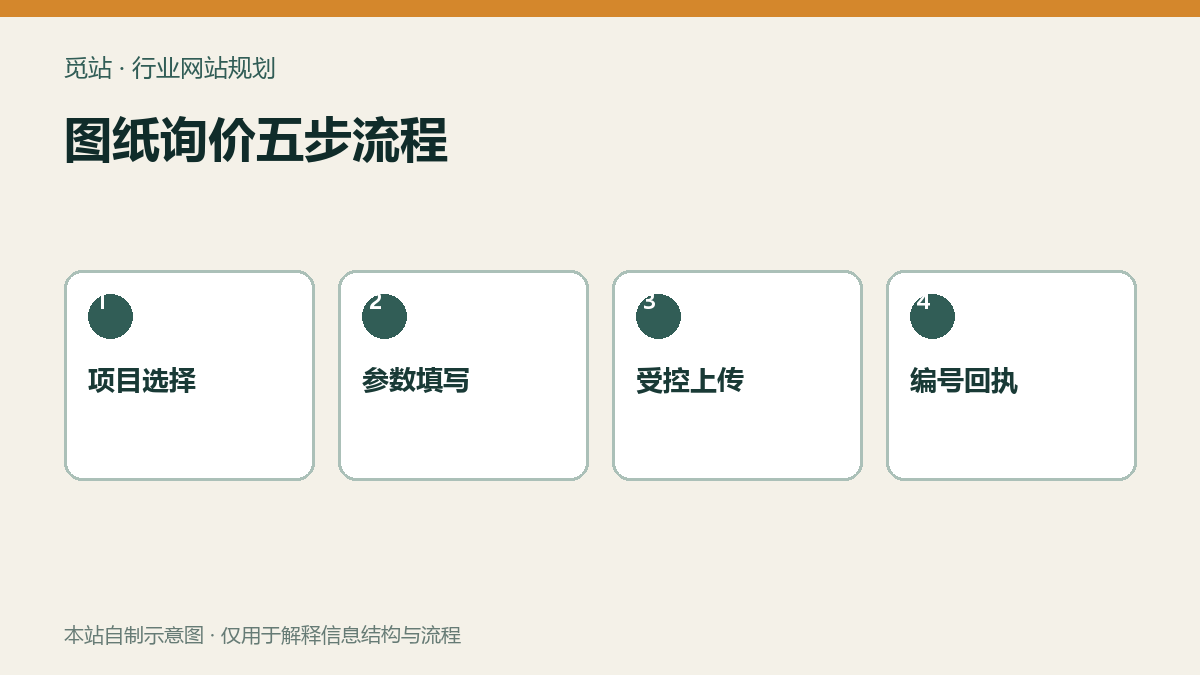
Five-step drawing inquiry process. Source: self-made diagram of this site, used to illustrate the information structure and process of the industry website; no external image authorization is required.
First create a sample page, then migrate in batches
First select one typical process, three part cases, and one set of quality documentation as a template, and have sales, engineering, and quality review them jointly. After confirming fields, units, terminology, and permissions, import in bulk via CSV or the backend. Unique part numbers and stable fields form the basis for later filtering, linking, and updating; do not rename them casually while importing.
Pre-release Practical Checklist
- Does each process page clearly state materials, dimensions, tolerances, batch sizes, and capability boundaries?
- Whether case data and images have been authorized and stripped of customer-sensitive information
- Do the certificates and test report samples have an applicable scope and version?
- Whether drawing files are not guessable and downloadable via public URLs
- Does the inquiry receipt include a number, source page, and deadline for next steps?
- Can the mobile terminal fill in fields, upload files, and view progress
Frequently asked questions
Must the machining website display all equipment?
Not necessary. First display the core equipment, travel, accuracy, and supporting inspection capabilities that affect procurement decisions; the complete list can be maintained as downloadable materials.
Is a case study without a client name still convincing?
Yes. As long as the working conditions, materials, difficulties, control methods, and authorized results are specific enough, anonymous cases can still demonstrate capability.
Can drawings be stored directly in a regular media library?
Not recommended. Sensitive files should be access-controlled, use unguessable addresses, and have retention and deletion rules.
Join the discussion
You must log in to post a comment.
After logging in, you can join the discussion. New users can register an account for free.
Do not post spam comments, advertisements, or content with malicious links. Comments must comply with relevant laws, regulations, and community guidelines.