


After the instrumentation website goes live, the most dangerous issues are often not poor page appearance, but errors in range, accuracy, output, environmental conditions, or calibration document versions; caching, updates, and multilingual duplication can amplify these discrepancies. This article focuses on product data and document consistency, providing checklists for pre-launch verification, speed testing, security updates, and ongoing maintenance.
First, conduct a consistency audit of parameters and documents.
Select models representing different product families and check range, accuracy, resolution, output, power supply, process connection, environmental conditions, and certifications item by item against the product master data. Web pages, selection tables, manuals, and calibration documents must point to the same valid version; the language, version, date, and file size should be displayed alongside the documents.
Core parameters on web pages should use copyable HTML text, not replaced by images or PDFs. The organization of product detail pages can refer toB2B Product Detail Page Conversion Guide。
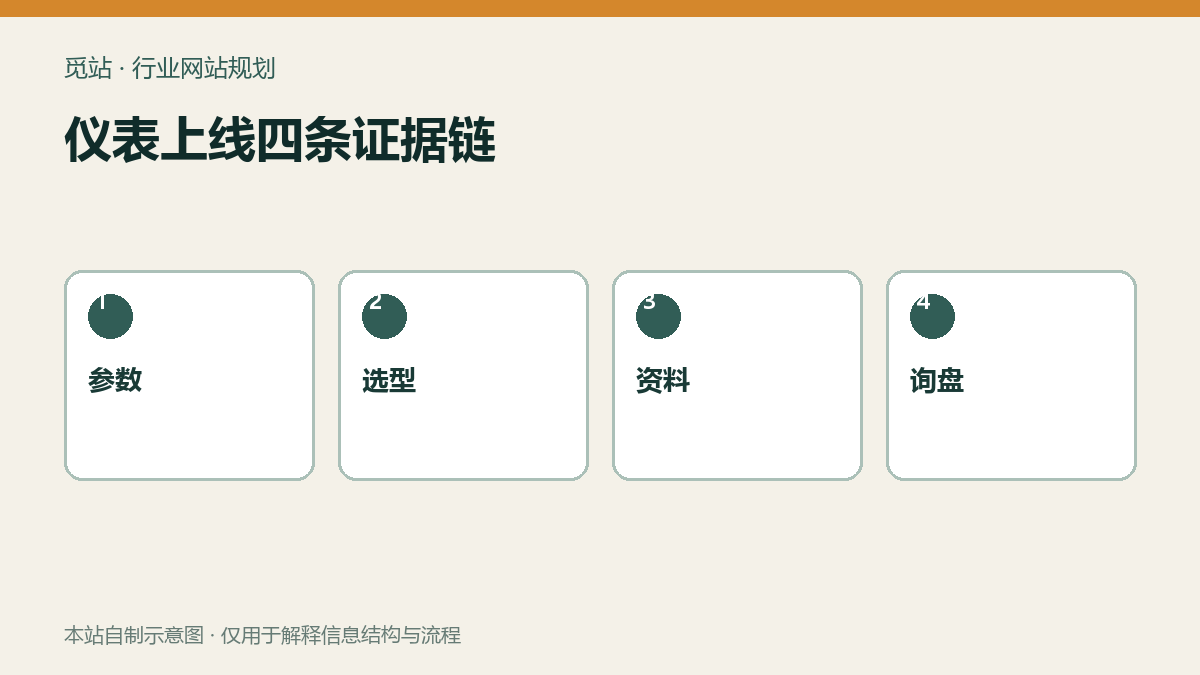
Four evidence chains for instrument launch. Source: self-made diagram from this site, used to illustrate the information structure and process of industry websites; no external image authorization required.
Complete end-to-end regression with real product selections and inquiries.
Access the product from category, search, and application pages respectively, select range, output, connection, and accessories, and then submit an inquiry. Verify that the model and options in the page display, back-end records, customer receipt, and sales notification are completely consistent; combinations that are discontinued or require engineering confirmation should be clearly indicated.
Multilingual pages must be spot-checked language by language for terminology, units, document associations, and form receipts, not just verified against the Chinese template. URL and language planning can be combined withWordPress Multilingual Website Setup Tutorial。
Four steps to establish a performance baseline
- Select the heaviest product page that includes parameter tables, charts, images, PDFs, and filters.
- Test mobile and desktop first screen, interactivity, and layout stability separately.
- Compress and output images at actual size, lazy-load non-first-screen media.
- After enabling caching, re-regress filtering, language switching, login, and forms to avoid incorrectly caching dynamic states.
Cache hierarchy and troubleshooting can refer toWordPress Caching and CDN Guide。
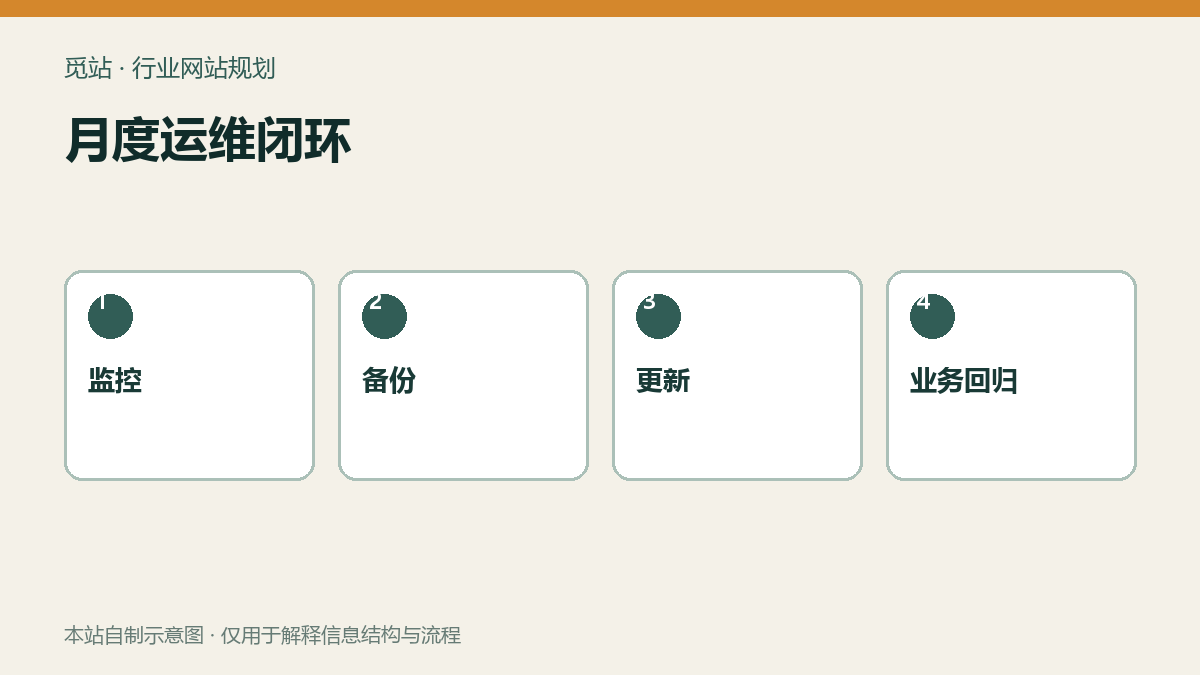
Monthly operations closed loop. Source: self-made diagram from this site, used to illustrate the information structure and process of industry websites; no external image authorization required.
Updates, security, and backups must be integrated into a single process.
Before updating core, themes, and plugins, create a restorable backup, execute in small batches on a staging environment, and regress product filtering, document downloads, inquiries, and language switching for each batch. Administrators should use strong passwords and two-factor authentication, remove idle accounts and plugins, and periodically check site health, error logs, and abnormal logins.
A backup must not be accepted simply because “the task shows success”; at least periodically restore the database, uploaded files, and configuration in an isolated environment. For detailed steps, refer toWordPress backup and restore tutorial。
Go-live and monthly maintenance checklist
- Whether webpage parameters are consistent with current manuals, selection tables, and calibration documents.
- Whether each document is marked with language, version, date, and file size.
- Whether real product selections are completely entered into the backend, receipts, and sales notifications.
- Whether the heaviest product page has completed mobile performance and layout stability checks.
- Whether caching does not affect filtering, language, login, and form tokens.
- Whether updates first back up, execute in small batches, and complete business regression.
- Whether off-site backups have undergone isolated restoration and recorded the time taken.
Frequently asked questions
Can instrumentation parameters be provided as PDF only?
Not recommended. The webpage should display the core parameters needed for purchasing decisions, while the PDF retains complete technical documentation and version information.
Is testing only the homepage enough for a go-live check?
No, it is not enough. Priority should be testing the heaviest product pages that include filtering, parameter tables, documents, and inquiries, as well as the complete business chain.
Does a backup plugin showing success mean it is restorable?
No. Only after restoring the database, files, and configuration in an isolated environment can it be proven that the backup is usable.
Join the discussion
You must log in to post a comment.
After logging in, you can join the discussion. New users can register an account for free.
Do not post spam comments, advertisements, or content with malicious links. Comments must comply with relevant laws, regulations, and community guidelines.