


Home furnishing and building material websites rely on spatial images, texture details, color swatches, and installation documents to facilitate sampling, yet they are also the most prone to slowdowns caused by large images, videos, and multilingual duplication; after launch, if the sample form misses color codes, cached old images are displayed, or document versions become disordered, it directly impacts quotations. This article focuses on the heaviest product pages and the complete sample chain, providing actionable checks for launch and ongoing maintenance.
Establish a performance budget using the heaviest product page
Do not only test the homepage. Select a product page that includes spatial images, texture close-ups, color samples, videos, specification sheets, and PDFs, and check first-screen loading, layout shifts, and interactivity on both mobile and desktop environments. Only load the essential main image in the first screen; lazy-load the rest of the gallery. Generate modern formats at actual display dimensions while retaining the clarity required for zoomed-in views.
Image optimization should not only pursue the smallest file size; it must ensure that textures, colors, and edges remain recognizable. For specific compression and sizing strategies, refer toWordPress image optimization methods。
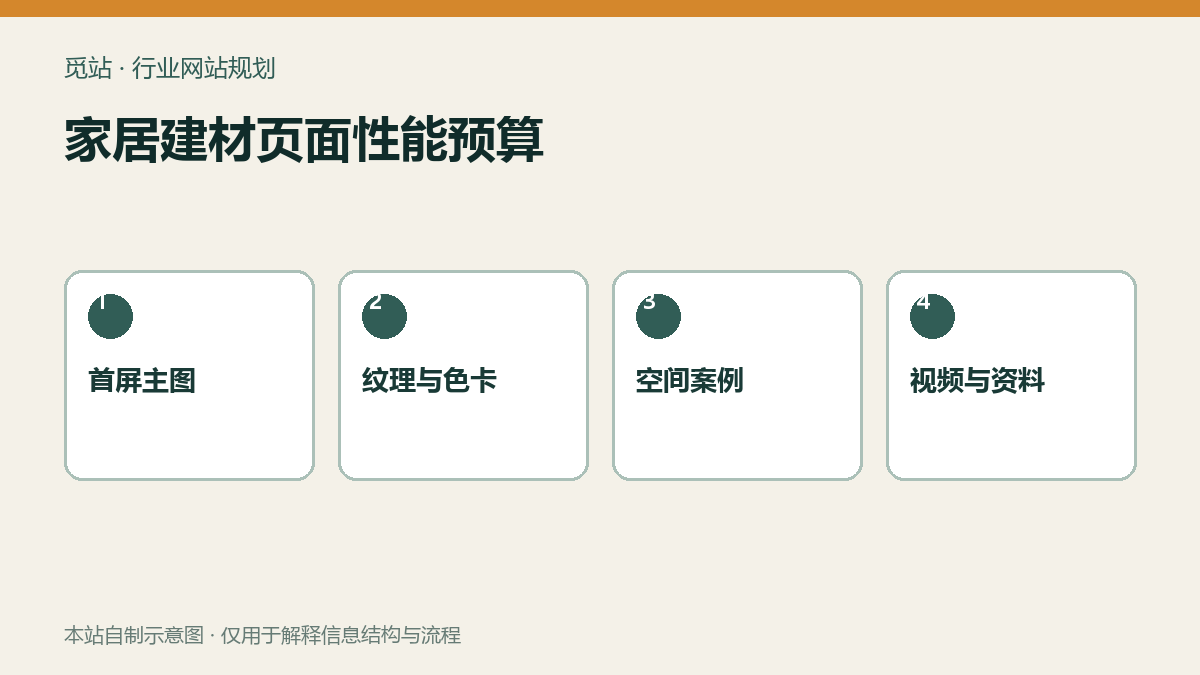
Home furnishing and building materials page performance budget. Source: self-made schematic by this site, used to illustrate the information structure and workflow of industry websites; no external image authorization required.
Color swatch and sample chains must undergo genuine regression
From category filtering, enter the product page, select color, surface, size, and sample quantity, then submit to an overseas test address. Confirm that customer receipts, sales notifications, and backend records all include the product, color code, source page, country, and attachments; out-of-stock color codes must not still allow submission without prompting.
Do not duplicate a full page for every color unless it has independent content and business value. A common practice is to use product series as the main page, display colors and specifications using structured attributes, and then bring the selection results into the sample form. Inquiry fields can be checked againstB2B inquiry form field checklist。
Four-step check for multilingual and document versions
- Spot-check the correspondence of homepage, category, product, case, and contact pages language by language.
- Verify that units of measurement, fire rating, installation terminology, and disclaimers have undergone manual review.
- Confirm the language, version, date, and file size of installation guides, test reports, and color swatch PDFs.
- After replacing documents, clear relevant caches and verify redirects or status prompts for old links.
Multilingual architecture and URL rules can be further reviewed atWordPress Multilingual Website Setup Tutorial。
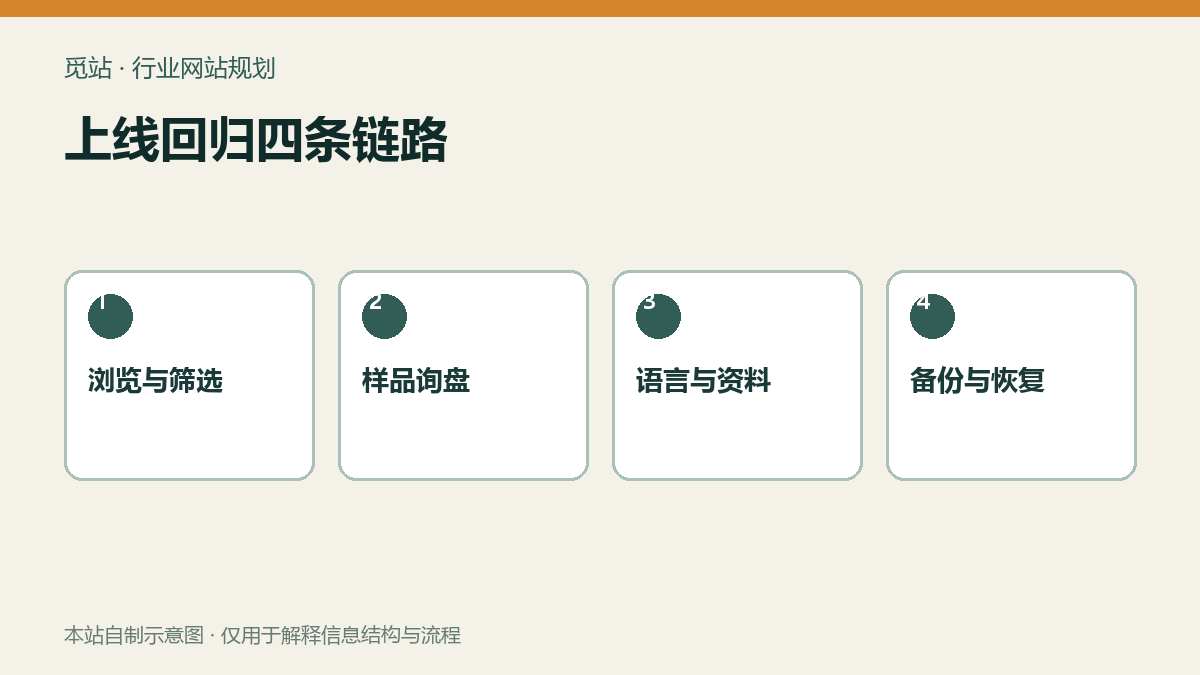
Four live regression chains. Source: self-made schematic by this site, used to illustrate the information structure and workflow of industry websites; no external image authorization required.
Cache, updates, and security must be verified in batches according to business chains
Page caching must not cross-contaminate different languages, currencies, or login states, nor cache form tokens causing submission failures. Plugin, theme, and core updates should first be performed in small batches in a staging environment, with each batch regressing through galleries, filters, sample forms, downloads, and language switching. Enforce strong passwords and two-factor authentication for administrators, and deactivate unused accounts and plugins.
Cache hierarchy and troubleshooting paths can be referenced atWordPress Caching, Object Cache, and CDN Guide。
Go-live and monthly maintenance checklist
- Whether the above-the-fold images, gallery, and videos on the heaviest product page are loaded on demand
- Are color swatches recognizable on common mobile phone screens and do they include text numbers?
- Whether the sample form carries over product, color number, specifications, country, and source page
- Are the key pages, materials, and form receipts complete for each language?
- Whether caching does not affect language, filtering, form, and login status
- Whether updates first back up, execute in small batches, and complete business regression.
- Whether an isolated recovery drill has been completed once for offsite backup
Frequently asked questions
Are clearer images of home building materials always better?
Balance between display size, zoom requirement, and loading speed. Preserve necessary details, but do not let the mobile first screen download original large photography images.
Can color swatches be made into just one image?
Not recommended. Images can assist with visual judgment, but each color should also have a text code and structured value for easier selection, inquiry, and backend tracking.
After updating a multilingual site, is it acceptable to only check the Chinese pages?
Not allowed. Templates, fields, cache, and data associations may only fail in a certain language; critical business processes must be spot-checked language by language.
Join the discussion
You must log in to post a comment.
After logging in, you can join the discussion. New users can register an account for free.
Do not post spam comments, advertisements, or content with malicious links. Comments must comply with relevant laws, regulations, and community guidelines.