


The most common trouble after a machinery website goes live is often not a missing module on the page, but that when trade show traffic arrives, the video slows down the first screen, links to materials are invalid, inquiry emails are not delivered, or product templates become abnormal after plugin updates. This article provides a launch and ongoing maintenance checklist suitable for equipment companies, focusing on verifying the actual business chain rather than just checking if the homepage can be opened.
Test the heaviest product page first, not just the homepage.
Equipment detail pages usually contain high-definition images, videos, specification tables, PDFs, and related cases at the same time, making them the pages most likely to expose performance issues. Select three typical pages and check the above-the-fold image sizes, video loading method, layout shifts, and interaction response on both mobile networks and desktop environments. Images should be generated into WebP/AVIF based on actual display sizes while retaining reasonable clarity, which can be combined withWordPress image optimization methods。
Prioritize loading videos after a cover click or use a reliable video platform; do not automatically download dozens of megabytes of files on the first screen. PDF thumbnails should also be compressed, while the original file should display its size to avoid customers mistakenly thinking the page is frozen.
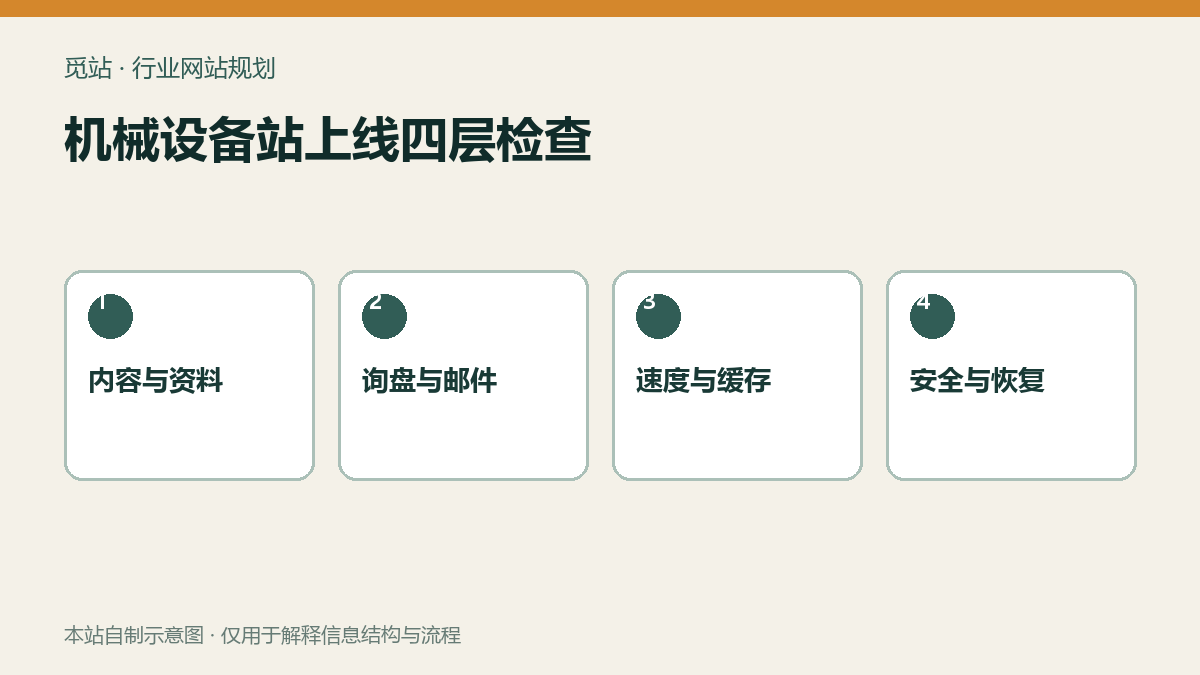
Four-layer check for machinery website launch. Source: Self-made diagram by this site, used to illustrate the information structure and process of industry websites; no external image authorization required.
Verify the material and inquiry business chain item by item.
Spot-check the manuals, dimensional drawings, and certification files for each product family, verifying language, version, file names, and access permissions. Then complete an inquiry as an overseas visitor: start from the product page, fill out the form, upload an attachment in an allowed format, and confirm that the front-end success message, customer receipt, sales notification, and backend record all exist. Then simulate an incorrect email address, oversized attachments, and repeated submissions to confirm the system provides understandable feedback.
Security checks focus on accounts, updates, and file entry points.
- Delete or disable unused administrator accounts, and enable strong passwords and two-factor authentication for all administrators.
- Confirm that plugins, themes, and the WordPress core are from trusted sources, and perform updates in a pre-release environment first.
- Restrict upload extensions, sizes, and access methods; do not place inquiry attachments in publicly traversable directories.
- Disable unnecessary interfaces and services, but do not achieve this by modifying core files.
- Record administrator logins, plugin changes, and critical configuration changes.
For a more complete foundational project, you can refer toWordPress Foreign Trade Site Security Hardening Checklist。
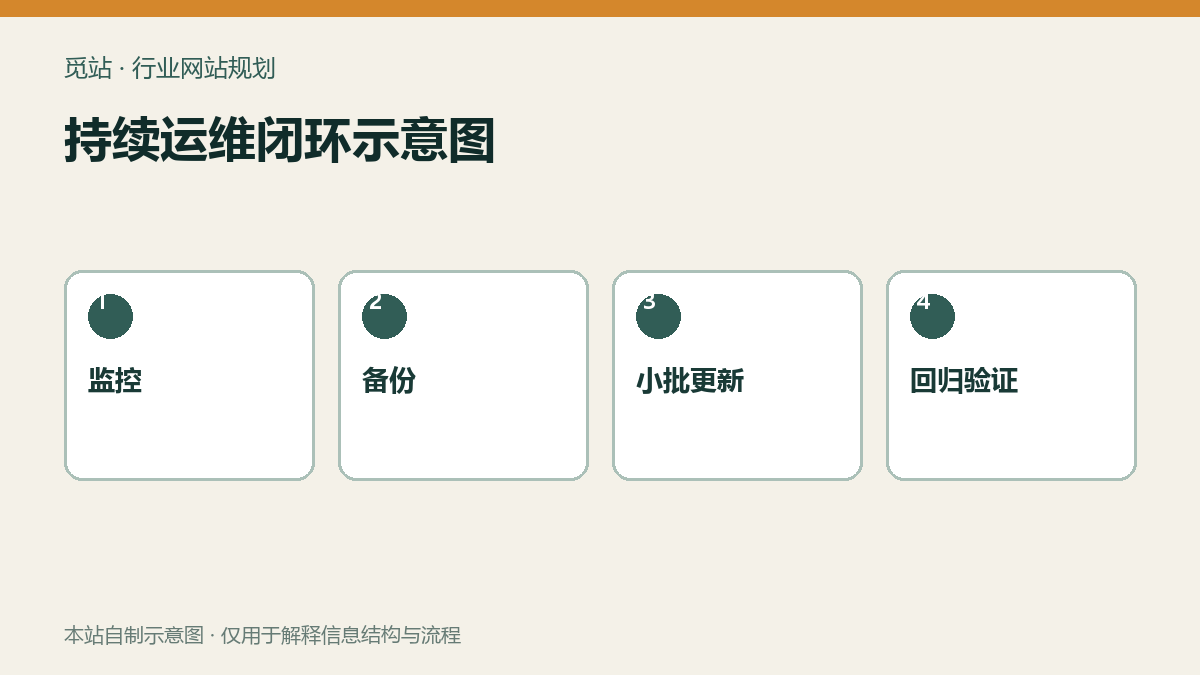
Continuous operation and maintenance closed-loop diagram. Source: Self-made diagram by this site, used to illustrate the information structure and process of industry websites; no external image authorization required.
The acceptance criterion for backup is that it can be restored.
Databases, uploaded files, themes/plugins, and server configurations should have matching backup cycles, and backup copies must not be kept only on the same server. Before going live, perform at least one recovery in an isolated environment: record the recovery duration, DNS/certificate switch, cache clearing, and form validation steps. Merely seeing a “backup successful” notification does not mean it is recoverable. For specific drill methods, you can refer toDatabase and file recovery tutorial。
Go-live and monthly maintenance checklist
- Homepage, three key product pages, download page, and contact page all return 200
- Do not auto-load large videos above the fold on mobile; ensure correct image sizes and formats
- Inquiry receipt, sales notification, backend records, and attachment permissions all pass
- Caching does not affect form nonce, language switching, and login status
- Scheduled backups have offsite copies, and a real restore is completed
- Administrators and plugin lists have responsible persons; updates in small batches monthly with regression testing
- When performance is abnormal, pressCache, object cache, and CDN check pathsLocate
Frequently asked questions
How often should a machinery equipment website be maintained?
Monitoring and backups should run continuously; plugins and content should be checked at least monthly, and security updates should be handled promptly based on risk. A specialized regression test should be performed before major exhibitions or campaigns.
Will installing a caching plugin definitely make it faster?
Not necessarily. Caching only solves some repeated generation issues; oversized images, autoplay videos, third-party scripts, and inefficient queries still need to be handled separately.
Is it okay to keep backups on the server itself?
Cannot be used as the sole copy. A same-machine failure, ransomware, or accidental deletion will affect both the site and the backup; at least one independent location should be retained and recovery verified.
Join the discussion
You must log in to post a comment.
After logging in, you can join the discussion. New users can register an account for free.
Do not post spam comments, advertisements, or content with malicious links. Comments must comply with relevant laws, regulations, and community guidelines.