


The most easily overlooked aspect of WordPress maintenance is not the backup button, but the recovery capability. Many site backends show “backed up,” but when real problems occur, you discover the backup is incomplete, cannot be downloaded, the database version doesn't match, or the recovery process has never been rehearsed.
If you are systematically optimizing in this direction, you can also checkSecurity Maintenance category page、WordPress foreign trade site security hardening和WordPress foreign trade website building service, then return toSecurity Maintenance category pagecontinue to fill in content on the same topic.
- Security Maintenance category page
- WordPress foreign trade site security hardening
- WordPress foreign trade website building service
- Contact Miza
- Security Maintenance category page
Step-by-step tutorial
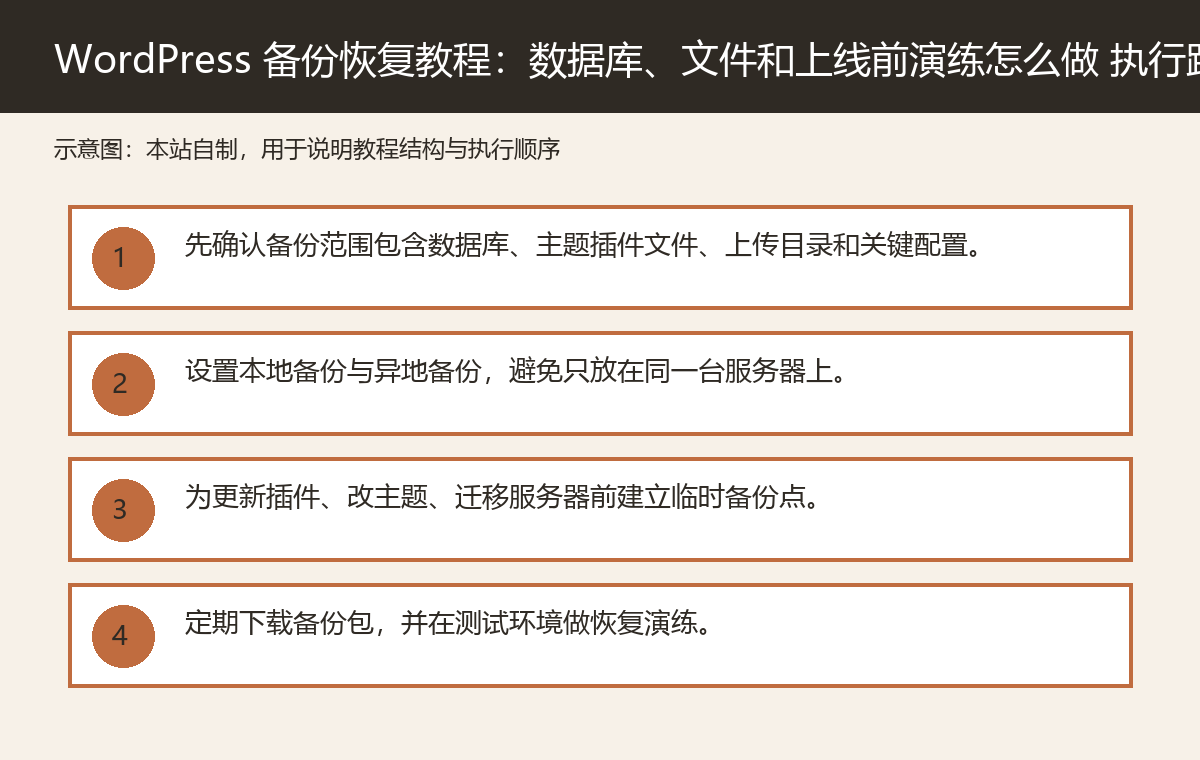
- First confirm that the backup scope includes the database, theme and plugin files, uploads directory, and key configurations.
- Set up both local and off-site backups to avoid storing everything on the same server.
- Create a temporary backup point before updating plugins, modifying themes, or migrating servers.
- Regularly download backup packages and perform recovery drills in a staging environment.
- Document recovery steps, responsible persons, and rollback time to form an operational workflow.
Backups must cover both the database and files
WordPress posts, pages, orders, users, and settings are primarily in the database, while themes, plugins, media library, and configuration files are in the file system. Backing up only one part cannot be considered a complete backup.
The most common mistake is exporting only the database while missing uploaded images; or packaging only the website files without the database. Both must match during recovery.
Off-site backup is more reliable than on-site backup on the same machine.
If backups are only stored on the same server, they may be lost together in the event of disk damage, accidental deletion, ransomware attacks, or server suspension. Live sites should have at least one off-site backup.
Off-site locations can be object storage, cloud drives, backup servers, or independent backup spaces provided by hosting services. The key is not to share a single point of failure with the source site.
Recovery drills are more important than backup screenshots.
A backup system showing success does not mean it can be restored successfully. The truly reliable approach is to perform a regular recovery in a test environment to confirm that the database, media, permalinks, logins, forms, and core pages are all functioning properly.
Recovery drills can expose issues such as incomplete backups, insufficient permissions, and PHP version mismatches in advance.
Create a temporary restore point before important operations.
Before plugin updates, theme modifications, PHP version adjustments, database cleanups, and server migrations, a temporary restore point should be created. Regular scheduled backups cannot replace pre-change backups.
If the change fails, the most recent restore point can keep the loss to a minimum.
Backup strategies should be documented as processes, not relying on memory.
Who is responsible for checking backups, how long backups are kept, what to restore first during recovery, and how to notify business stakeholders should all be written into the operations process. When a real problem occurs, improvising can easily lead to omissions.
For foreign trade sites, recovery speed directly affects advertising, inquiries, and customer trust.
Practical checklist
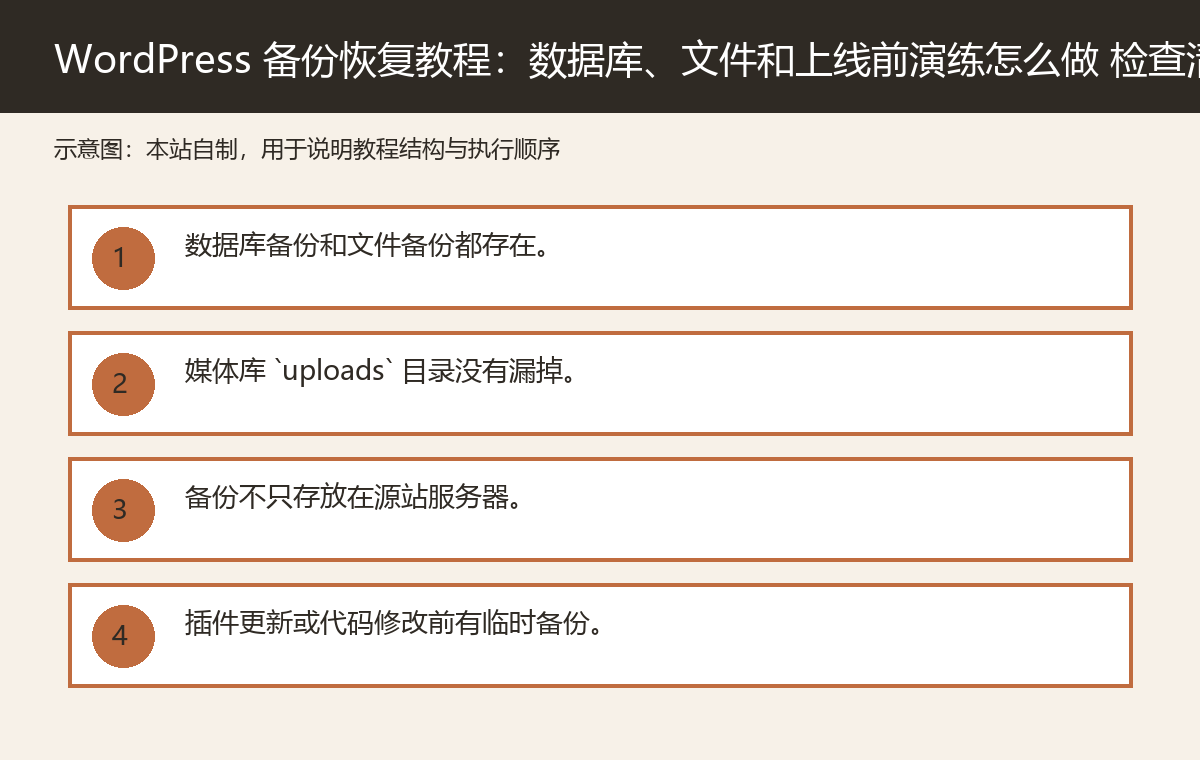
- Both database backups and file backups exist.
- The media library `uploads` directory is not missed.
- Backups are not stored only on the origin server.
- There is a temporary backup before plugin updates or code modifications.
- At least one test environment recovery drill has been performed.
- Recovery accounts, permissions, and documentation can be used in emergencies.
Frequently asked questions
Is installing just one backup plugin enough?
Not enough. Also confirm whether the backup scope, storage location and recovery drill are reliable.
How long should backups be kept?
It depends on the update frequency and business risk. Generally, keep multiple points in time and have an off-site backup.
Will the recovery drill affect the live website?
You should not drill directly on the live site. A safer approach is to restore and verify in a test or temporary environment.
Join the discussion
You must log in to post a comment.
After logging in, you can join the discussion. New users can register an account for free.
Do not post spam comments, advertisements, or content with malicious links. Comments must comply with relevant laws, regulations, and community guidelines.