


Electrical companies' websites often stack circuit breakers, contactors, relays, and distribution products into a single product menu. Buyers can't find voltage, pole number, breaking capacity, and certification documents, making it difficult to submit an inquiry. This article provides a planning method that can be handed directly to product managers and WordPress developers: first rebuild the product hierarchy based on purchasing logic, then complete parameters, downloads, and selection entry points.
First, classify by purchasing tasks instead of copying the internal organizational structure
Procurement engineers usually first identify the product family, then narrow down by rated voltage, current, pole number, mounting method, or communication protocol. The site's primary navigation can include stable product families such as low-voltage apparatus, distribution equipment, industrial control, and power supplies; series pages explain application boundaries; model pages present comparable specifications. For classification design, refer to the on-siteMethod for managing product categories and attributeselectrical product classification tree, but do not turn every parameter value into an isolated category page.
If the company serves distribution panel builders, equipment OEMs, and end-use engineering projects simultaneously, you can add “Find by Application” alongside product navigation, for example machine tool control, building distribution, photovoltaic support. Both paths eventually lead to the same model page, avoiding the need to maintain two sets of product data.

Electrical product navigation schematic. Source: self-made schematic by this site, used to illustrate the information structure and workflow of industry websites; no external image authorization required.
Product pages must answer three questions: selection, verification, and substitution
On the first screen of the model page, present the product name, series positioning, 5–8 core parameters, and a clear “Send Selection Requirements” button. The second screen includes the full parameter table, dimensional drawings, wiring diagrams, certification certificates, and manuals. The third screen provides accessories, other models in the same series, and substitution suggestions. This allows quick judgment while enabling thorough procurement verification.
Parameter tables should use real HTML text and tables, not an image of the entire table. Document files must display language, version, release date, and file size; when replacing old files, keep URLs traceable. For more complete product page layout, refer toB2B Product Detail Page Conversion Guide。
Complete the WordPress information architecture in four steps
- Inventory:Export product master data, marking product family, series, model, parameters, and documents.
- Modeling:Build stable dimensions as categories, turn filterable dimensions into attributes, and treat manuals and certificates as associated documents.
- Page building:First create one series page and three typical model pages, then invite sales and engineers to review together.
- Migration:Before bulk import, lock down the field dictionary, unit notation, and empty value rules.
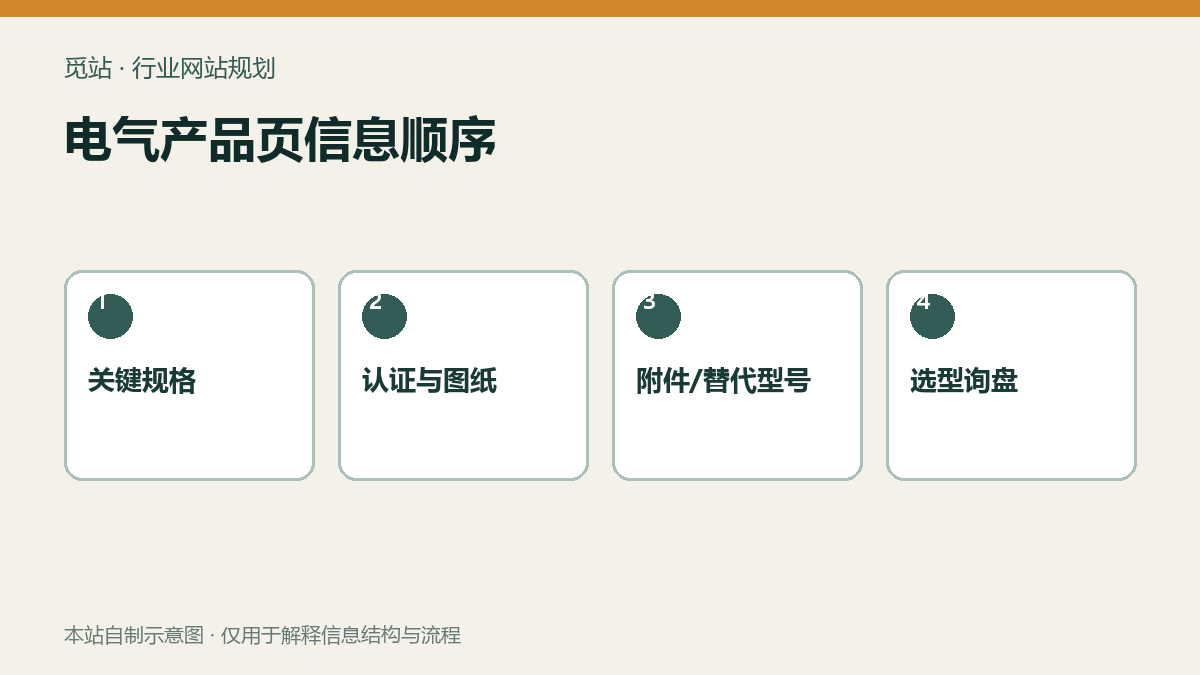
Information sequence on the electrical product page. Source: self-made schematic diagram by our site, used to illustrate the information structure and flow of an industry website; no external image authorization required.
The inquiry entry should include the selection context.
"Contact us" cannot tell the salesperson which model the customer viewed. The button should automatically carry the model, page URL, and language, and allow the customer to enter target voltage, quantity, application, and certification requirements; attachment uploads should only allow necessary file formats and sizes. The form fields should not request too much company information at once; for the specific trade-offs, please refer toB2B inquiry form field checklist。
Practical checklist before going live
- Can the first-level product family cover all products on sale without synonymous duplicates?
- Does each model have unified units, key parameters, dimensional drawings, and document version
- Can the filter results be cleared, and can parameters still be selected on mobile?
- Does the inquiry email include the model, source page, and customer attachments
- Are English terms reviewed by the product or engineering team, rather than directly machine translated?
Frequently asked questions
With many electrical products, is it necessary to use WooCommerce?
Not necessarily. When the focus is on inquiries and project selection, a catalog-style product system is lighter; a full e-commerce flow is only needed when public pricing, online inventory, and checkout are required.
Can PDF manuals replace webpage parameters?
No. Web parameters facilitate quick comparison and searching, while PDFs are suitable for preserving complete technical documentation; both should be provided simultaneously.
How many criteria should product filters have?
Start with the 4–7 most commonly used criteria in purchasing decisions, and leave the remaining parameters on the detail page; too many criteria make the mobile experience difficult and increase data maintenance costs.
Join the discussion
You must log in to post a comment.
After logging in, you can join the discussion. New users can register an account for free.
Do not post spam comments, advertisements, or content with malicious links. Comments must comply with relevant laws, regulations, and community guidelines.