


If an electronic component catalog only has categories and a search box, it is difficult for buyers to narrow down models by package, ratings, temperature range, precision, or lifecycle status, and it is also easy to download outdated documents. This article dissects four systems: parameter filtering, Datasheet, cross-reference models, and sample request, and explains which can be achieved with standard WordPress capabilities and which require custom plugins.
First build a field dictionary, then choose a filtering plugin
Different product families have different parameter sets: connectors look at pitch, number of positions, and mounting method; power devices look at voltage, current, package, and temperature; sensors involve range, output, and accuracy. First, let the product team define field names, data types, units, allowed values, and applicable product families, then decide which fields are filterable. Entering data freely in the backend will generate incomparable data such as 5V, 5 V, DC5V.
WordPress categories, tags, and attributes are suitable for stable dimensions; the approach can be referenced inWooCommerce product attribute tutorial; for complex range filtering, cross-product-family fields, and high-volume queries, specialized indexing or custom plugins should be evaluated.
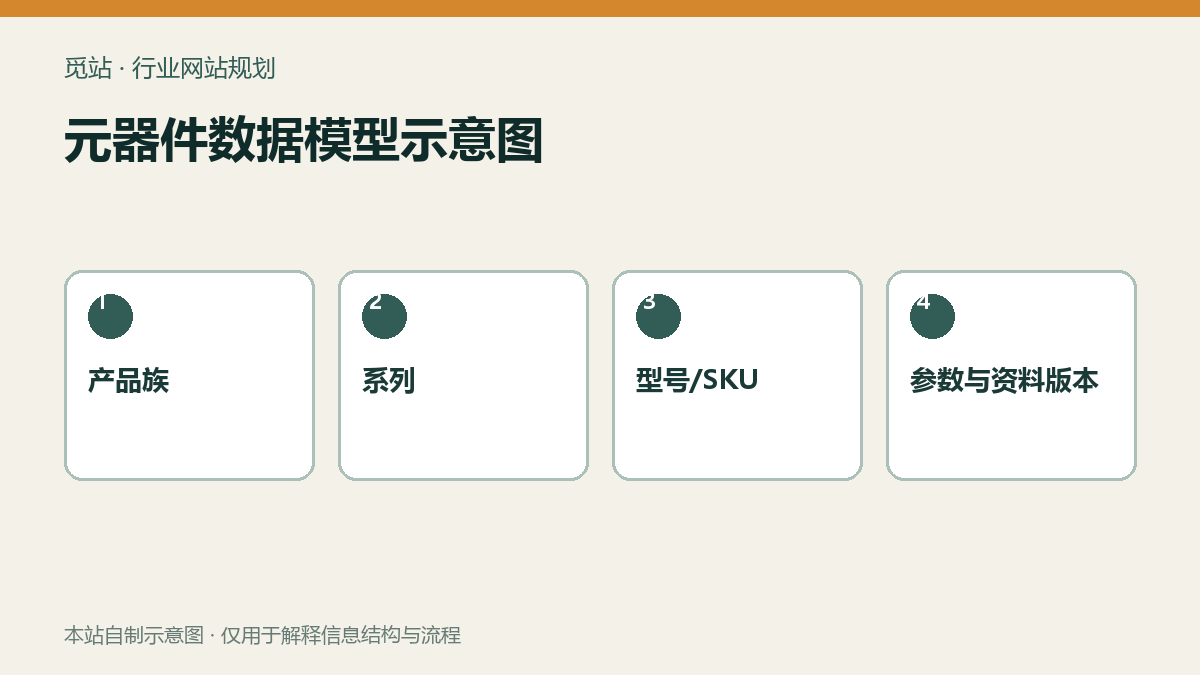
Component data model diagram. Source: self-made diagram from this site, used to illustrate the information structure and workflow of industry websites; no external image authorization required.
Datasheets must have version and status
Each model should be associated with the current Datasheet, specification language, version number, release date, and file size. File updates should not merely overwrite the media library files without recording the version; discontinued models must display statuses such as NRND, EOL, last order date, and recommended replacement models. When key parameters on the web page conflict with the PDF data, an audit responsible person and update time should be established.
Document downloads can be public, but when it involves complete selection guides, software, or certification packages, download events can be recorded; do not force registration in exchange for every ordinary Datasheet.
Sample request is not an ordinary contact form
- When entering from the model page, the part number, package, and current language are automatically carried over.
- Limit the requestable quantity, and collect the intended use, project phase, estimated annual usage, and target time.
- Automatically assign a responsible person based on country, product line, or distributor region.
- Record statuses such as pending review, contacted, approved, shipped, and closed in the backend.
- Customers receive a reference number and next-step instructions; sensitive internal notes do not appear in the email.
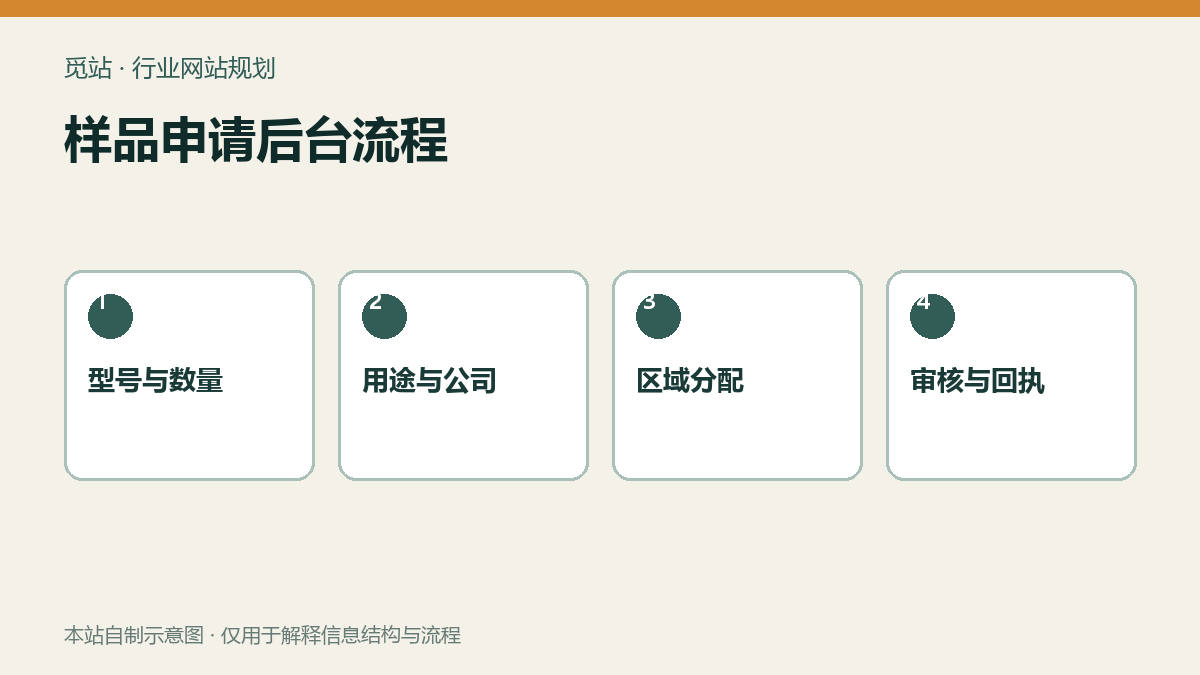
Sample request backend workflow. Source: self-made diagram from this site, used to illustrate the information structure and workflow of industry websites; no external image authorization required.
When it is worth developing custom plugins
If it's only a few products, fixed fields, and simple downloads, you can first use a combination of custom post types, fields, and mature form plugins. When requirements include switching parameters by product family, range filtering, cross-referencing models, document versions, bulk import, sample approval, and ERP synchronization, a custom plugin makes it easier to maintain clear data boundaries. Before project initiation, you can followPlugin Development Evaluation GuideConfirm permissions, data migration, and failure rollback.
When updating in large batches, don't let operators modify model numbers one by one; use structured CSV and provide pre-check, error line reports, and idempotent updates. For related basics, refer toProduct CSV import and field mapping。
Functional acceptance checklist
- Does the filter field have data type, unit, and applicable product family?
- When there are no results, can the conditions be cleared or adjacent models recommended?
- Does each document display version, date, language, and status?
- Are discontinued models kept as pages with alternative models provided?
- Is the sample request automatically associated with the model number and source page?
- Does batch import include preview, error report, and rollback backup?
Frequently asked questions
For parameter filtering, use categories or custom fields?
Stable, discrete values that need to be aggregated are suitable for categories or attributes; numerical ranges, product-family-specific fields, and complex relationships usually require structured custom fields and indexes.
Should the old file be deleted after the Datasheet is updated?
Should not be directly deleted without trace. Version records and replacement relationships should be retained; when only the current version is shown externally, ensure old links have clear redirects or status explanations.
Does sample request must be connected to ERP?
Not necessary at the initial stage. First get the model, applicant, region, status, and responsible person process running smoothly; build an API only when manual repetitive data entry becomes a stable bottleneck.
Join the discussion
You must log in to post a comment.
After logging in, you can join the discussion. New users can register an account for free.
Do not post spam comments, advertisements, or content with malicious links. Comments must comply with relevant laws, regulations, and community guidelines.