


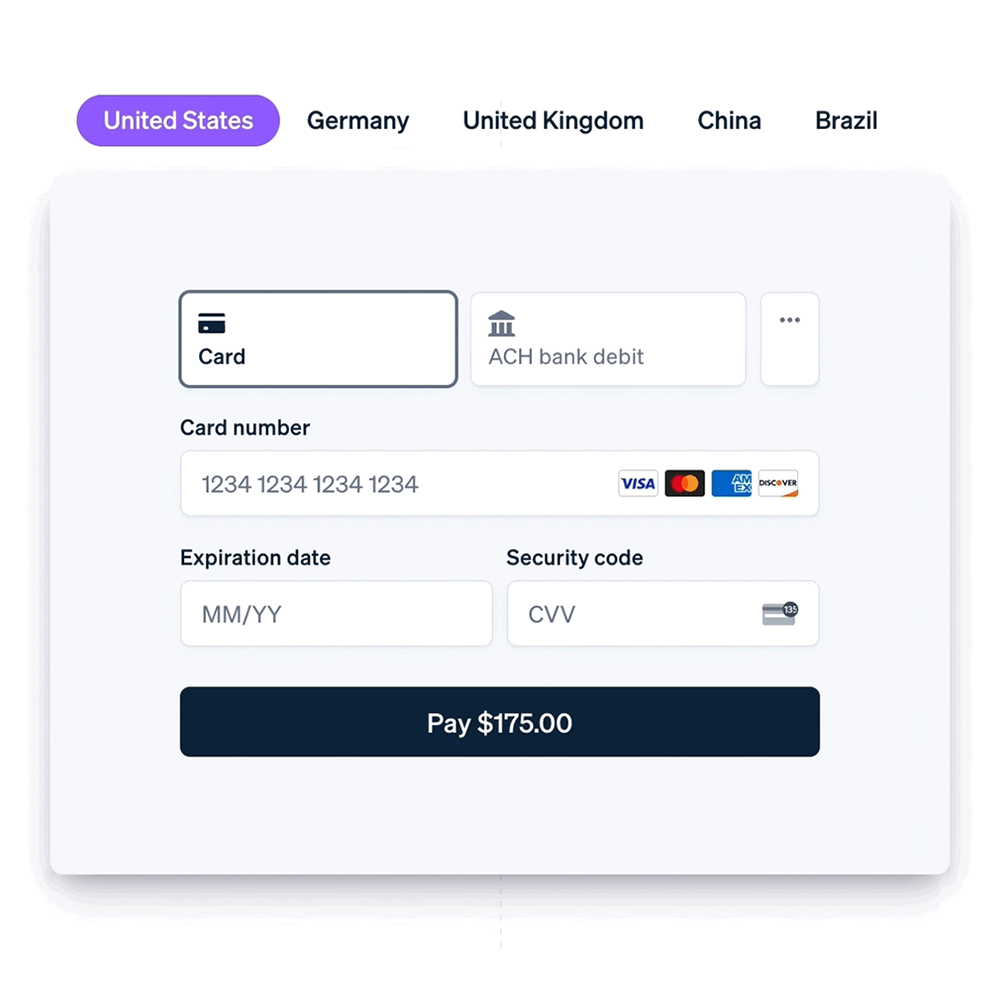
Stripe is suitable for WooCommerce stores that need credit cards, debit cards, Link fast checkout, and multiple local payment methods. Unlike PayPal, Stripe's advantages typically lie in the card payment experience, payment method coverage, and checkout page integration.
Which WooCommerce sites is Stripe suitable for?
If your target market is accustomed to credit card payments, or you wish to support methods like Link, Klarna, Afterpay, Affirm, etc., consider the WooCommerce Stripe Payment Gateway. Before installation, confirm your company region, settlement currencies, and the supported scope of your Stripe account.
1. Install the Stripe payment plugin
- Go to Plugins → Add New Plugin, search for WooCommerce Stripe Payment Gateway.
- Install and activate the plugin.
- Go to WooCommerce → Settings → Payments, open Stripe settings.
- Connect your Stripe account, and enable test mode first.
2. Choose payment methods suitable for your target market
Don't show all payment methods to users at once. For the US market, prioritize card payments and Link; for the European market, local payment methods or buy now, pay later may be more needed; for high-ticket products, test installment options.
If your users are more familiar with PayPal, you can combine Stripe with WooCommerce PayPal Payments Setup Tutorial combine them for A/B testing.
3. Test mode should cover success, failure, and refunds
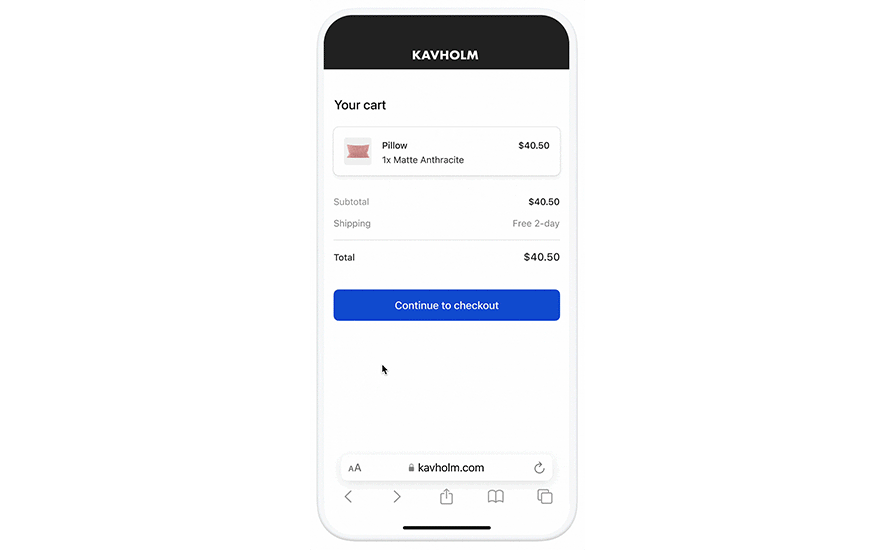
Stripe provides a test mode. Before going live, at least test successful payment, failed payment, 3D Secure verification, refunds, and order emails. During testing, pay attention to whether the WooCommerce order status updates and whether the corresponding payment records can be seen in the Stripe dashboard.
Go-live Checklist
- The Stripe account has completed the necessary verification.
- Test mode orders have been processed successfully.
- Webhook is working normally, and order statuses can sync.
- The checkout page has no obstruction or misalignment on mobile devices.
- The trust elements on the product page and checkout page are complete.
FAQ
Do I have to choose between Stripe and PayPal?
Not necessarily. Many international trade sites offer both PayPal and Stripe, allowing buyers to choose their preferred payment method.
Are more Stripe payment methods always better?
No. Payment methods should be selected according to the target market; showing too many may instead complicate the checkout page.
How should the Stripe payment page coordinate with SEO?
The focus of SEO remains on product pages, category pages, and tutorial content. Payment experience impacts conversions and can be with A WooCommerce product page SEO checklist optimized together.
If your products have color, size, or image specifications, after payment configuration is complete you can continue to read WooCommerce variation swatches tutorial, to optimize the product page selection experience.
Final guidance
The value of Stripe lies in making card payments and local payments smoother. After configuration, check mobile checkout with real devices, and continuously monitor payment success rate, cart abandonment rate, and refund rate.
Join the discussion
You must log in to post a comment.
After logging in, you can join the discussion. New users can register an account for free.
Do not post spam comments, advertisements, or content with malicious links. Comments must comply with relevant laws, regulations, and community guidelines.