


A WooCommerce product page needs to be understood by search engines and also convince buyers to place an order. Listing only product specifications is usually not enough — title, images, FAQs, internal links, payment trust, and mobile experience all need to be optimized together.
Product page SEO starts with satisfying search intent
When search users land on a product page, they usually want to quickly confirm whether the product suits them. The page should answer model, specs, price, material, use cases, shipping, returns, and payment methods — not just stuff keywords.
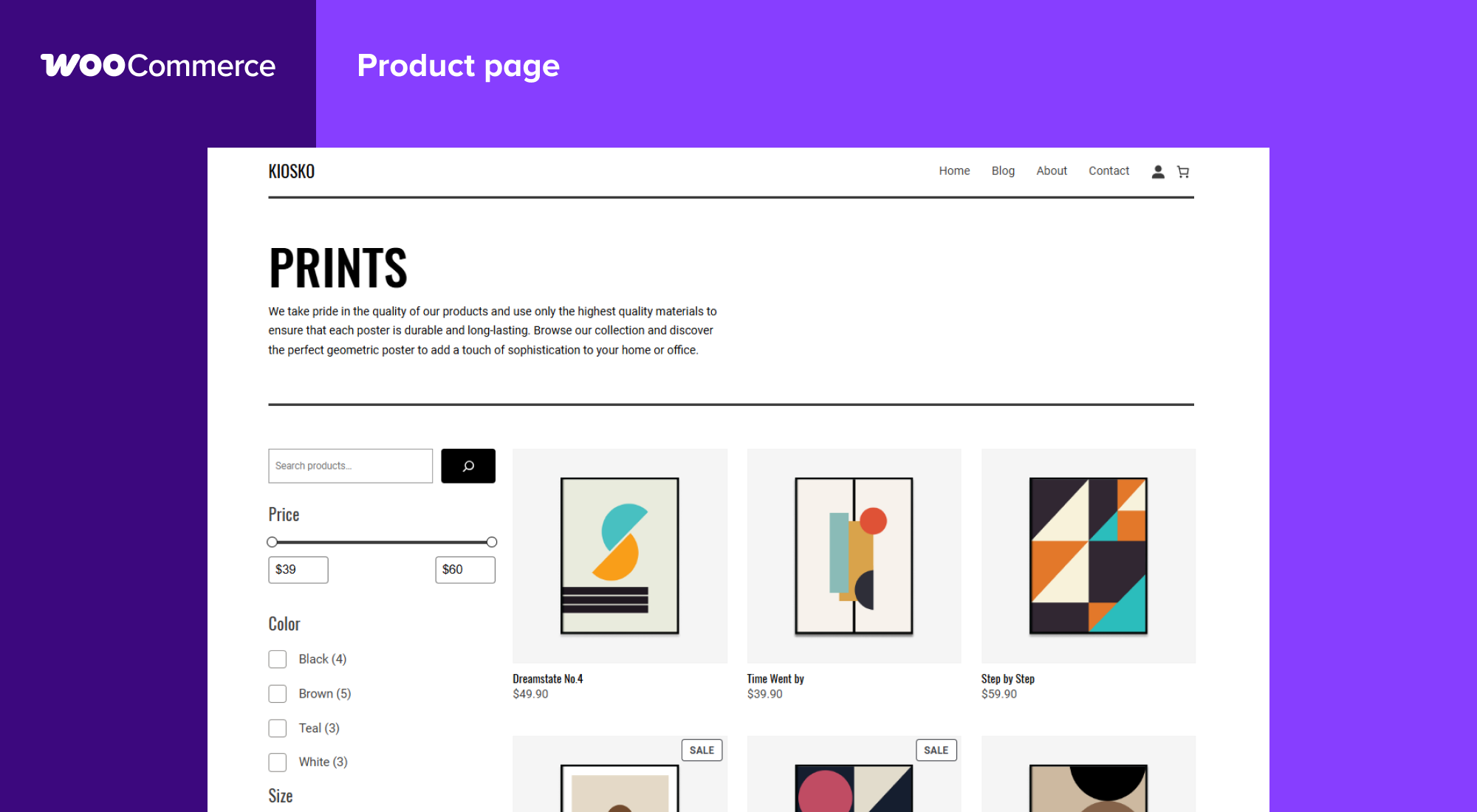
1. How to write SEO titles and descriptions
SEO titles should include core product terms, key selling points, and applicable scenarios. Meta descriptions should provide a reason to click, such as who it suits, what problem it solves, and whether shipping or customization is supported.
If your site also has tutorial content, link naturally to relevant pages, for example: WooCommerce basic setup、Variation swatches tutorial or PayPal Payments tutorial。
2. Don't repeat and stuff keywords in image Alt text
Every product image should have descriptive Alt text, such as “Front view of black M-size cotton T-shirt,” rather than using the same product keyword on all images. Images should be compressed, and file names should be as readable as possible.
3. Use FAQs to answer pre-purchase questions
FAQs are suitable for answering sizing, stock, shipping, returns, compatibility, payment, and after-sales questions. A click-to-expand structure reduces page clutter while keeping text crawlable.
4. Payment trust affects conversions
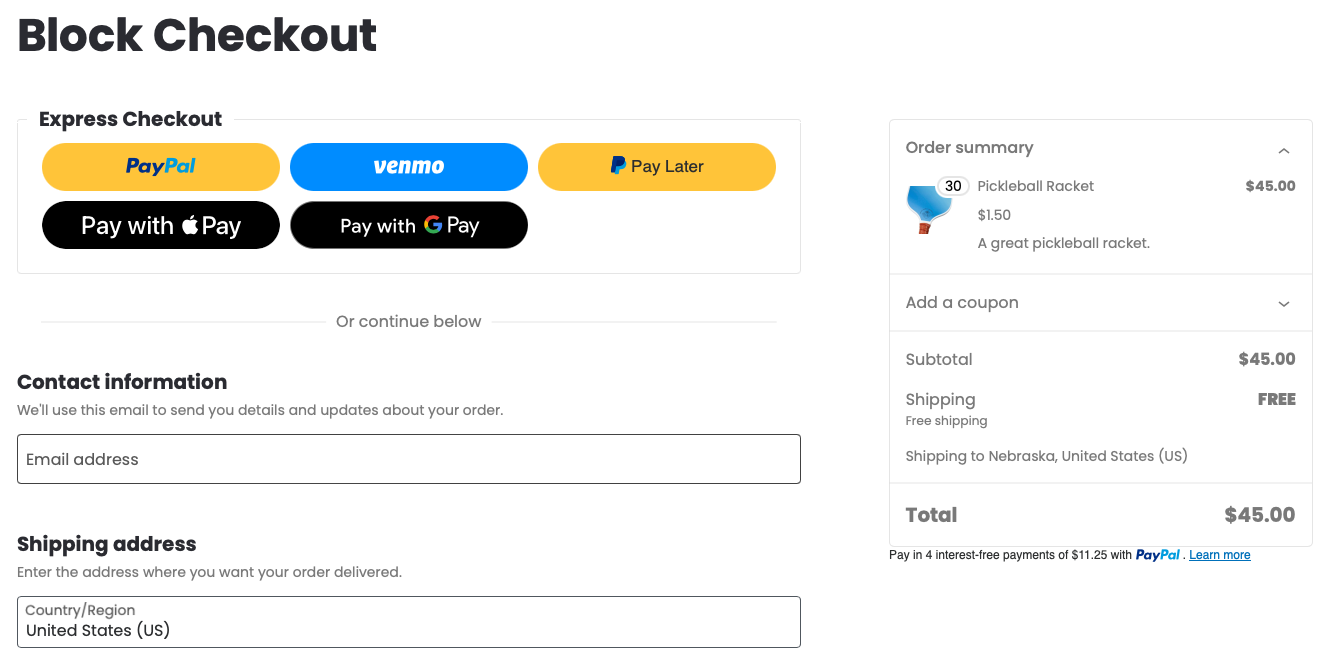
When organic traffic arrives on a product page, buyers still worry about whether they can pay safely, how long delivery takes, and what happens if something goes wrong. Product pages and checkout pages should clearly display PayPal, Stripe, refund policies, and customer support entry points.
Pre-publish checklist
- SEO title naturally includes core keywords.
- Meta description provides a clear reason to click.
- Product images compressed and descriptive alt text filled.
- FAQ answers real purchasing questions.
- Body text contains 3 or more natural internal links.
- Payment, shipping, and refund instructions clearly explained.
FAQ
How many words does a WooCommerce product page need?
There is no fixed word count. The key is to fully answer purchase decision questions, not to repeat keywords for the sake of word count.
Will expandable FAQ affect indexing?
As long as the content exists in the page HTML, search engines can usually read it. Expandable FAQ mainly improves reading experience.
Does a product page need to link to tutorial articles?
It is recommended. Tutorial articles can explain setup, comparisons, and usage issues, helping users continue browsing and strengthening the on-site topic structure.
Final guidance
The goal of product page SEO is not to make the page longer, but to help both search engines and buyers understand the value faster. First, optimize the title, images, FAQ, and internal links, then continuously monitor indexing, click-through rate, and conversion rate.
Join the discussion
You must log in to post a comment.
After logging in, you can join the discussion. New users can register an account for free.
Do not post spam comments, advertisements, or content with malicious links. Comments must comply with relevant laws, regulations, and community guidelines.